How to Remove a Glass Screen Protector from iPhone
Introduction
Screen protectors are crucial for keeping your iPhone’s display safe from damage. Yet, there comes a point when you need to remove the old protector, whether it’s worn out or you’re upgrading. It may seem straightforward, but doing it wrong can result in screen damage. This guide offers a step-by-step approach to removing your glass screen protector without harming your device, ensuring a seamless transition to a new one.
Why You Might Need to Remove Your Screen Protector
Removing your screen protector can be necessary for various reasons:
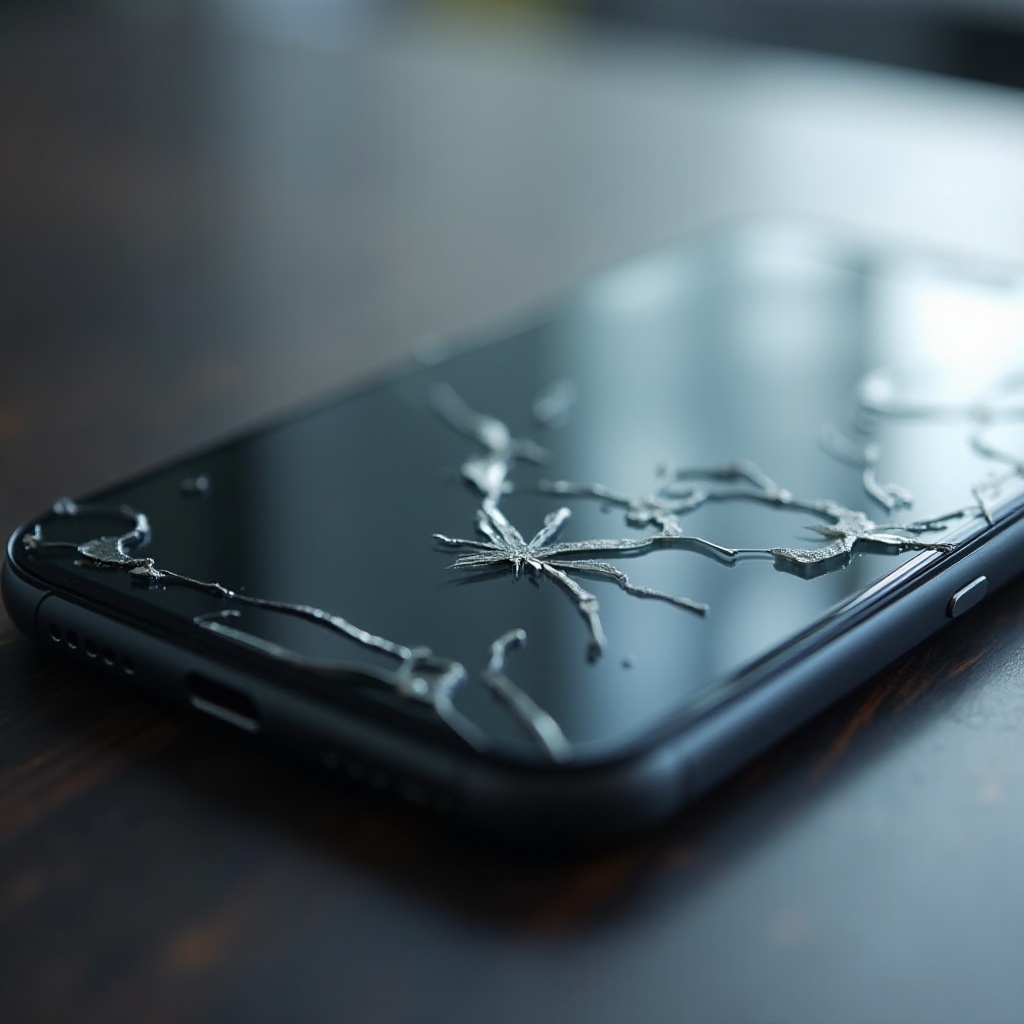
– Damages and Cracks: Visual obstructions and a compromised look are common when your protector is damaged.
– Dirt and Debris Beneath the Protector: Buildups can affect touch sensitivity and clarity.
– Upgrading to a New Protector: Newer options might provide enhanced features or durability.
Understanding why you need to remove your protector aids in maintaining your phone’s integrity and keeps it functioning optimally.
Preparing for Screen Protector Removal
A successful protector removal starts with proper preparation:
– Necessary Tools and Materials: Gather a microfiber cloth, a plastic card, and compressed air.
– Setting Up Your Workspace: Choose a clean, well-lit area to prevent particles from settling onto your screen.
With everything in place, you’re ready to proceed without the risk of adding new problems to your device.
Step-by-Step Guide to Removing a Glass Screen Protector
To safely remove your screen protector, follow these steps:
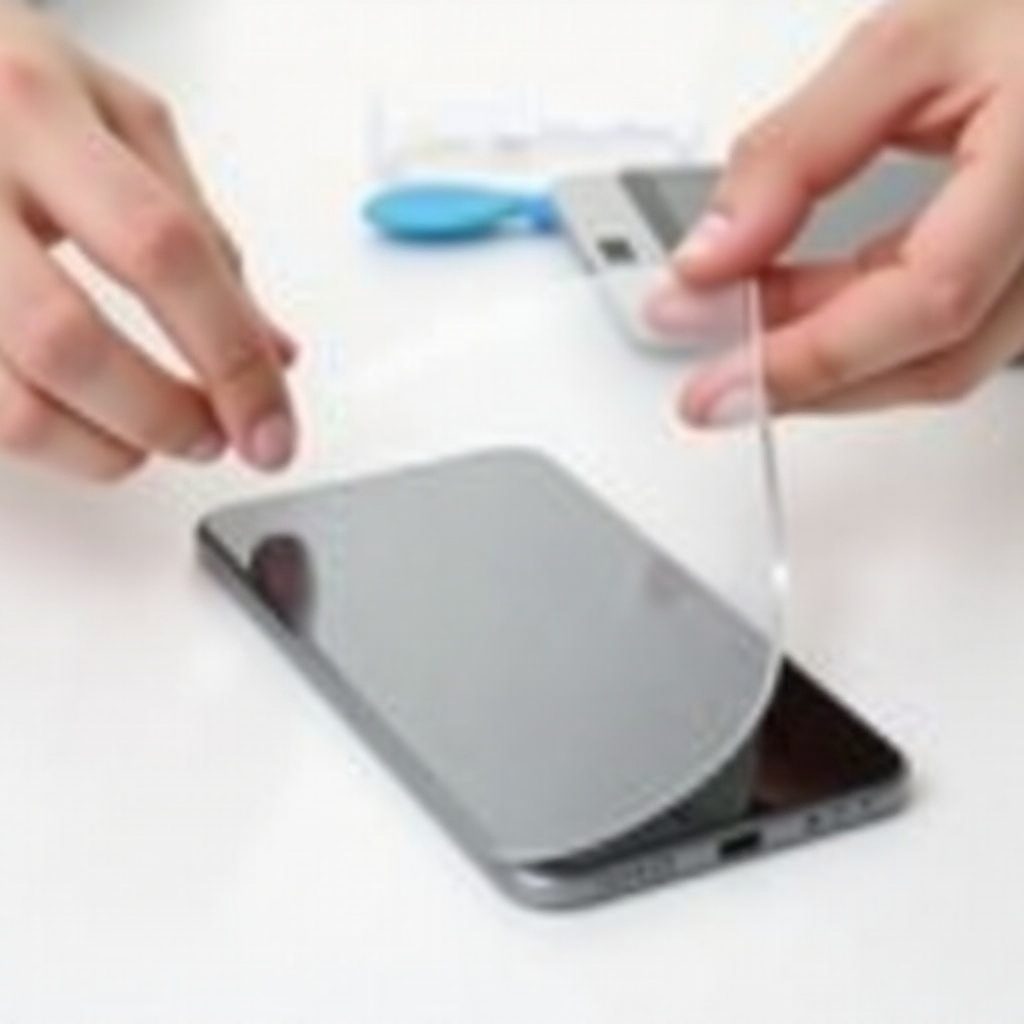
- Loosen the Edges Carefully:
- Pinpoint an edge that’s beginning to lift. If one isn’t apparent, gently insert a card under one corner.
-
Use minimal pressure to gently lift the edge, avoiding screen scratches.
-
Gradually Lift the Protector:
- Slide the card slowly towards the center while lifting the protector.
-
Maintain steady pressure to prevent bending.
-
Removing Remaining Adhesive:
- Inspect for adhesive residue post-removal.
- Clean the screen using a cloth with a small amount of rubbing alcohol.
These steps will help you remove your protector smoothly without harming your iPhone.
Post-Removal Care for Your iPhone Screen
After removal, focus on caring for your freshly exposed screen:
– Inspecting the Screen: Verify for unnoticed damage such as scratches that were hidden under the old protector.
– Cleaning the Surface: Use a microfiber cloth to eliminate fingerprints or dust, securing a clear display.
Proper post-removal care preserves your iPhone’s screen and prepares it for a new protector.
Tips for Applying a New Screen Protector
To ensure continuous protection with your new screen protector:
– Choosing the Right Protector: Look for durable, user-friendly options with suitable features.
– Proper Application Techniques:
– Start with a clean screen using a microfiber cloth.
– Align it carefully with screen edges, applying slowly to avoid air bubbles.
– Use a plastic card to smooth any bubbles out.
Adopting these practices prolongs your screen’s pristine condition.
Common Mistakes to Avoid During Removal
Avoid these common pitfalls during removal to protect your screen:
– Applying Too Much Force: Excessive force can shatter the protector and damage the screen.
– Ignoring Adhesive Residue: Leftover adhesive can lead to a sticky surface, affecting new protector adhesion.
By recognizing and avoiding these errors, you maintain a clean and smooth display.
Conclusion
With careful handling and the right tools, removing a glass screen protector from your iPhone is a straightforward task that prepares your phone for its next layer of defense. Following the guidelines in this article helps in maintaining your phone’s appearance and functionality while offering a clean setup for your new protector.
Frequently Asked Questions
How often should I replace my screen protector?
Replace your screen protector every 6 months or when it becomes visibly damaged to ensure optimal protection.
Can I reuse a glass screen protector?
No, once removed, a glass screen protector cannot be reused as it loses its adhesive properties.
What should I do if my screen appears scratched after removal?
Consider polishing the screen with a dedicated screen polish or consult a professional repair service.