How to Turn Off JBL Earbuds: Complete 2024 Guide for Every Model
Introduction
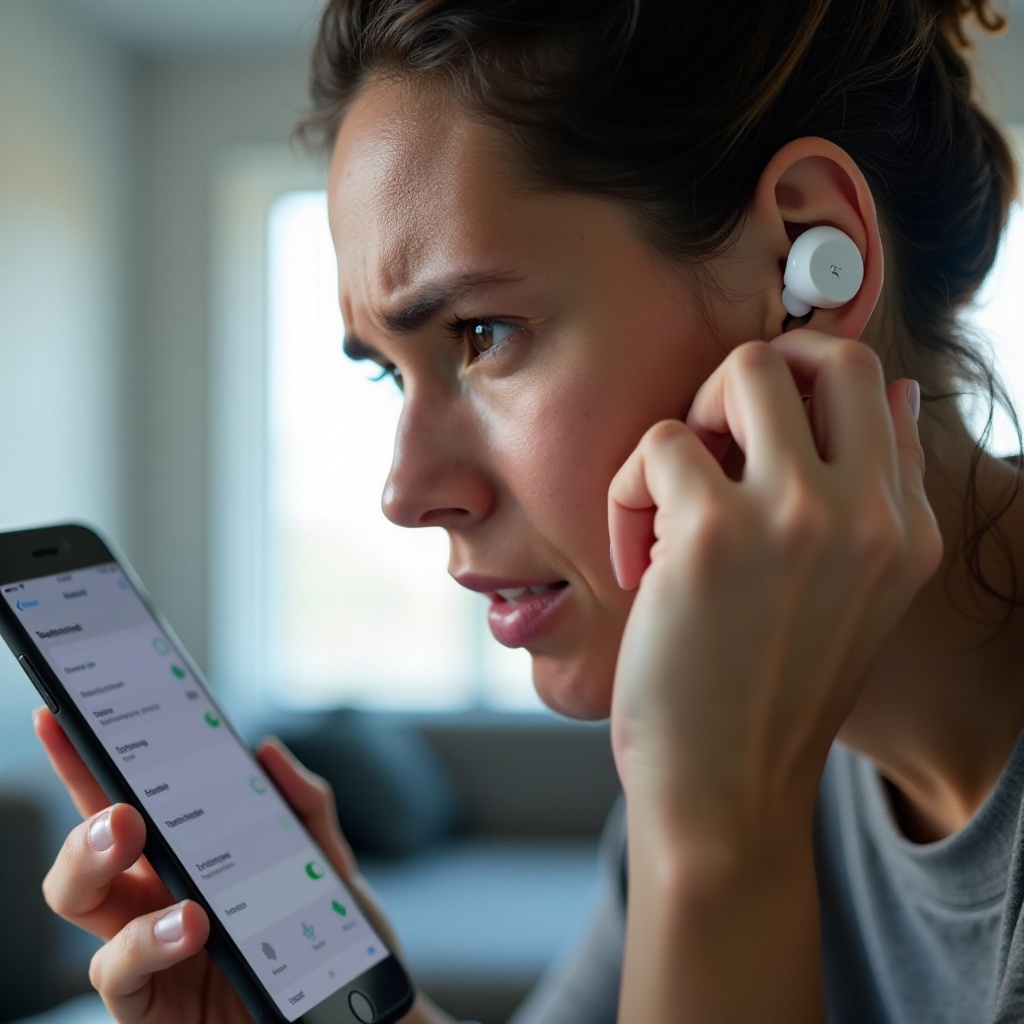
Many JBL earbud owners struggle with one basic task: how to turn the earbuds off. The controls vary by model, the touch gestures can be confusing, and sometimes the case does not behave as expected. If your JBL earbuds keep reconnecting, drain battery in your bag, or refuse to shut down, you are not alone.
Knowing how to power down your specific JBL earbuds saves battery life, reduces wear on the cells, and prevents surprise audio interruptions. It also helps you spot early hardware or firmware issues before they turn into bigger problems.
This guide walks you through every common way to turn off JBL earbuds. You will learn how to use the charging case, button or touch controls, and the JBL Headphones app. The guide also covers popular series like Tune, Live, and Endurance, explains how to turn them off without the case, and shows you how to fix earbuds that refuse to shut down properly.
All the Ways to Turn Off JBL Earbuds
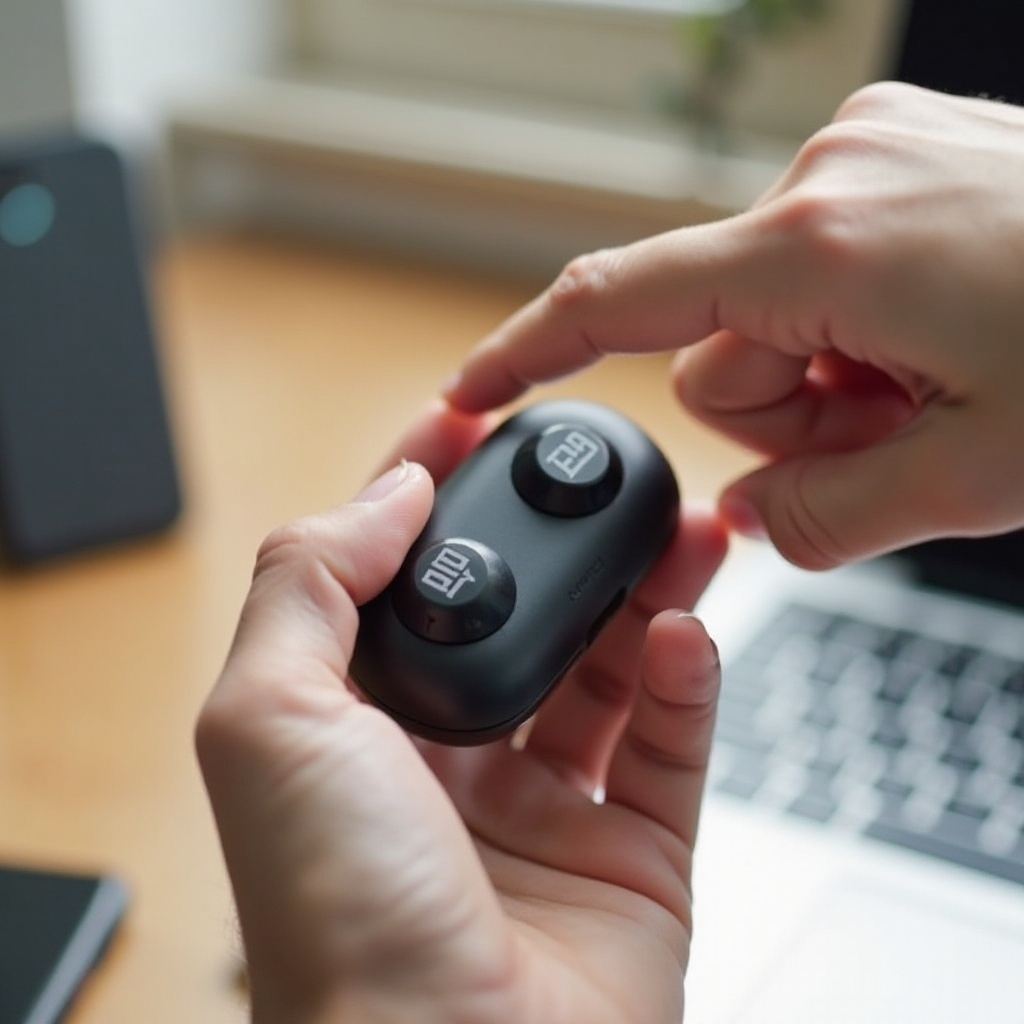
Most JBL earbuds offer three main ways to turn off: using the charging case, using buttons or touch controls on the earbuds, and relying on auto power-off or sleep modes. Once you understand these options, it becomes much easier to control power on any specific JBL model.
Using the Charging Case to Power Off Instantly
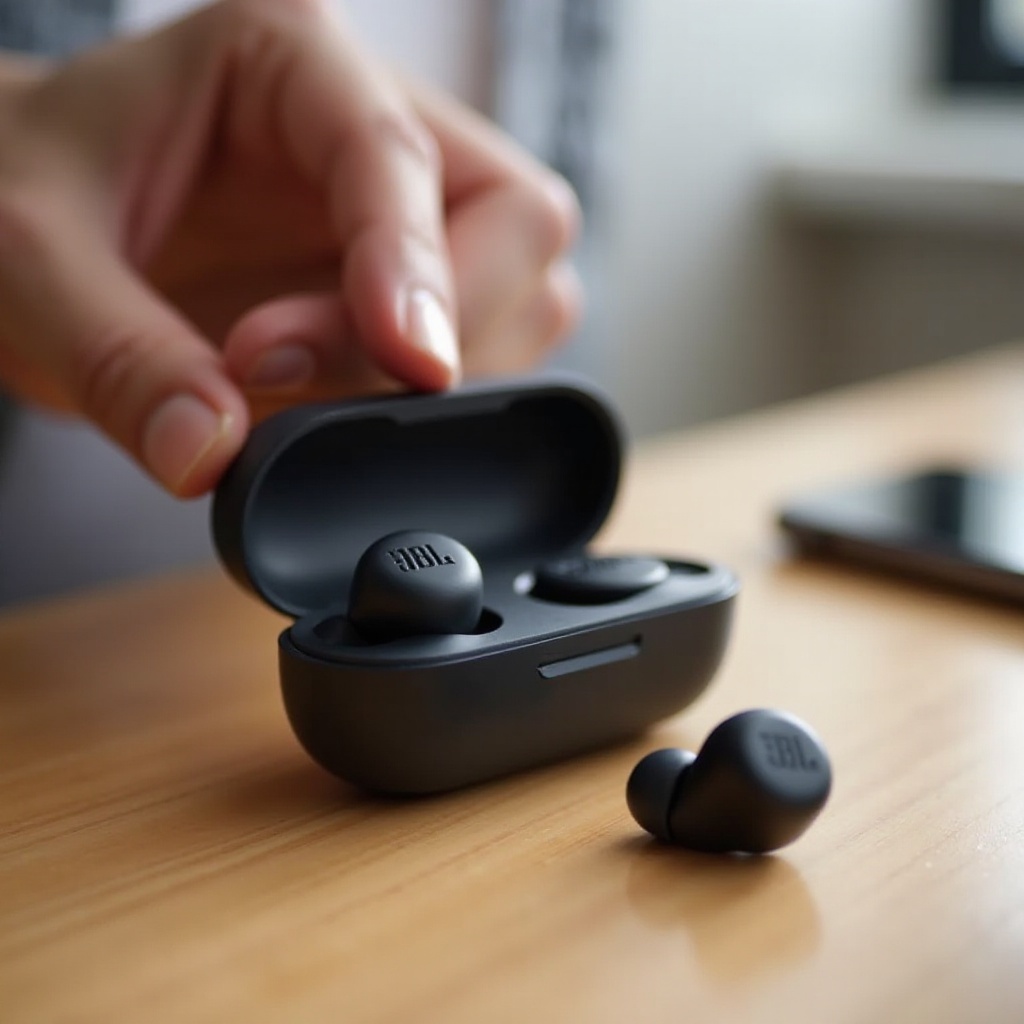
For almost all true wireless JBL earbuds, the charging case is the primary power switch.
Here is how it usually works:
- Place each earbud into the correct slot in the case.
- Make sure the charging pins make solid contact.
- Close the lid firmly until it clicks.
When you do this, the earbuds should:
- Stop Bluetooth streaming and disconnect from your device.
- Start charging, indicated by LEDs on the earbuds or case.
- Power down either instantly or after a short delay.
If your earbuds still appear as connected on your phone after closing the case, there may be a contact or case issue. A quick clean of the pins and contact points with a dry, soft brush or microfiber cloth often fixes the problem. Also check that the case has enough battery to power the earbuds.
Manually Turning Off JBL Earbuds with Buttons or Touch Controls
Many JBL earbuds also allow manual shutdown without the case. The exact steps vary by model, but the pattern is similar.
Typical steps to manually turn off JBL earbuds are:
- Remove both earbuds from your ears.
- Make sure they are not actively playing audio.
- Press and hold the button or touch area on the first earbud for several seconds.
- Release when you hear a power-down tone or see the LED fade out.
- Repeat on the second earbud.
Some models use a:
- 3-second hold to power off,
- Or a specific sequence like ‘double-tap then long-press’.
If you do not have the manual handy, a 5–8 second long-press on each earbud is usually a safe starting point. Just be sure you perform the action on both sides, as one earbud often acts as the primary unit.
Auto Power-Off and Sleep Modes Explained
Most modern JBL earbuds include smart power features. These features help reduce battery drain if you forget to turn your earbuds off.
Common behaviors include:
- Auto-off when you place the earbuds in the charging case.
- Auto sleep after a period of inactivity with no audio.
- In-ear detection sensors that pause sound when you remove an earbud.
Sleep mode uses very little power but does not always fully shut the earbuds down. You might still see them in your Bluetooth list, especially if they are out of the case.
Later in this guide, you will see how to adjust auto-off behavior using the JBL Headphones app so your earbuds match your routine instead of working against it.
Now that you know the general methods, it is time to look at how power-off works on the most popular JBL earbud series.
How to Turn Off Popular JBL Earbud Series
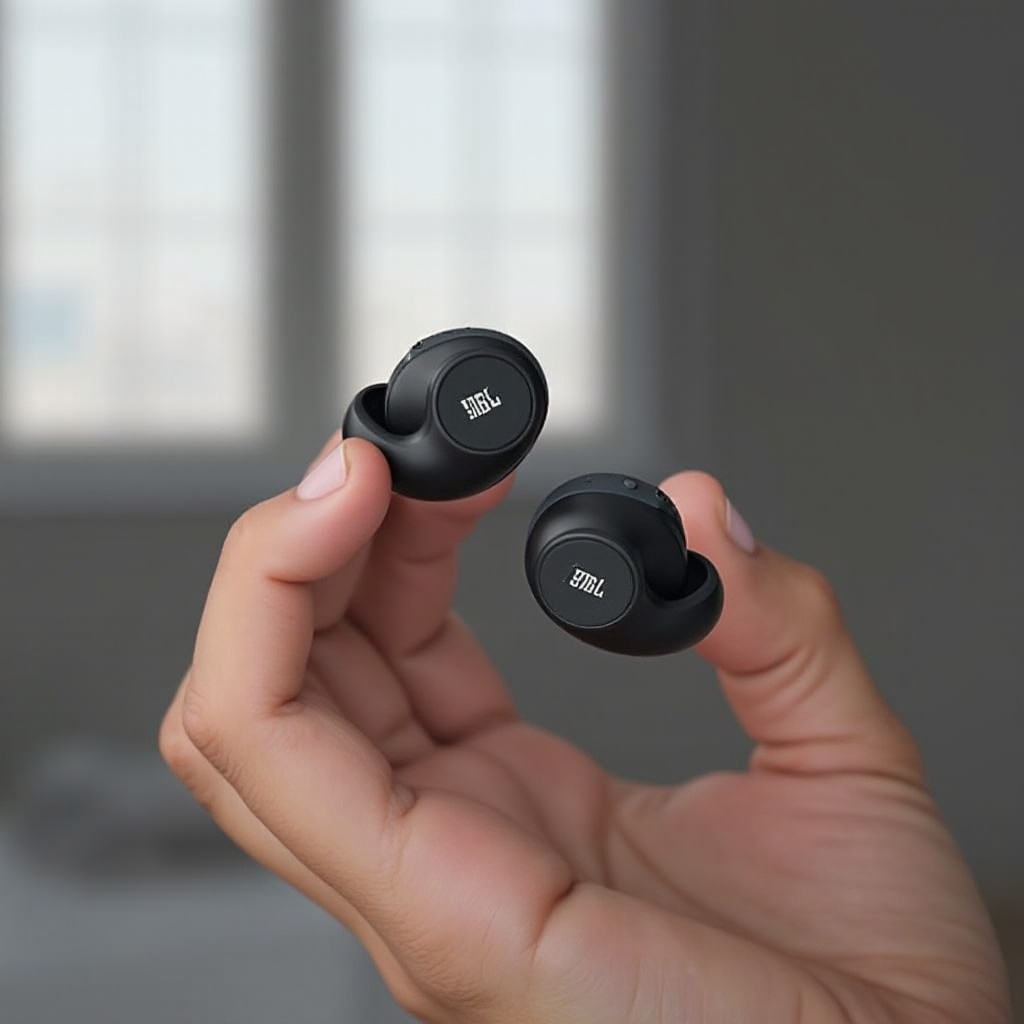
JBL Tune, Live, and Endurance earbuds share some design ideas, but they handle power and controls in slightly different ways. Understanding the behavior of your specific series makes troubleshooting faster and cuts down guesswork.
How to Turn Off JBL Tune Earbuds (Tune 125TWS, 230NC, 235NC and Similar)
The JBL Tune series focuses on everyday use and simple controls. In most cases, the charging case handles power-off automatically.
To turn off JBL Tune earbuds with the case:
- Place both earbuds in the charging case.
- Make sure the LEDs on the earbuds or case confirm charging.
- Close the lid completely.
This sequence should power them down and stop Bluetooth connections.
To manually turn off JBL Tune earbuds without the case:
- Take both earbuds out of your ears.
- Press and hold the button or touch panel on the first earbud for several seconds.
- Release when you hear a power-down sound or see the LED go off.
- Repeat the same long-press on the second earbud.
If one earbud remains on or keeps blinking, repeat the long-press on that side. Some Tune models treat the right earbud as the main unit, so always make sure both sides power down.
How to Turn Off JBL Live Earbuds (Live Pro 2, Live Free 2 and Similar)
JBL Live earbuds add more advanced features, such as active noise cancelling (ANC) and ambient sound modes. These extra audio features do not replace the power-off function. They only change how much outside noise you hear while the earbuds are on.
To turn off JBL Live earbuds using the case:
- Place each earbud into the correct slot in the charging case.
- Confirm that the LEDs indicate charging.
- Close the lid to trigger shutdown.
To turn off JBL Live earbuds without the case:
- Remove both earbuds from your ears.
- Long-press the touch area on the first earbud for around 5–8 seconds.
- Release when you hear the power-down tone or the LED goes off.
- Repeat on the second earbud.
It is important to remember:
- Turning off ANC alone does not turn off the earbuds.
- Turning off ambient mode does not turn off the earbuds either.
Those are audio modes, not power controls. You still need the case or a manual long-press to shut the earbuds down completely.
How to Turn Off JBL Endurance and Sports Models
Endurance and other sport-focused JBL earbuds often include ear hooks, magnetic closures, and higher sweat resistance. These models sometimes use magnets as part of their power system.
On certain JBL Endurance models with magnetic hooks:
- Separate the hooks or magnets to power on.
- Reattach the hooks so the magnets connect to power off.
On true wireless Endurance models that come with a case:
- Place each earbud in the charging case.
- Check for charging LEDs on the earbuds or case.
- Close the lid to shut them down.
If the earbuds do not power off as expected, use a manual long-press on each earbud to force a shutdown. Then inspect the case and contacts to be sure nothing blocks the connection.
LED and Sound Indicators That Confirm Your JBL Earbuds Are Off
You should not have to guess whether your earbuds are off. Watch and listen for clear signals.
Common indicators that your JBL earbuds are off include:
- A brief power-down chime or tone.
- LEDs on the earbuds turning off completely.
- LEDs switching from a blinking pattern to a steady charging light inside the case.
- The earbuds disappearing from your device’s Bluetooth ‘Connected’ or ‘Paired devices’ list after a short delay.
If LEDs keep flashing outside the case, the earbuds are still on or in pairing mode. Use a manual long-press to power them down, or perform a reset if they refuse to shut off.
Once you can interpret the lights and sounds, you can handle more difficult situations, such as powering down without a case.
How to Turn Off JBL Earbuds Without the Case
Losing or forgetting the charging case is frustrating, especially when you want to save battery or avoid distraction. Fortunately, most JBL earbuds still let you power down directly on the earbuds themselves.
When You Need to Turn Off JBL Earbuds Without the Charging Case
You might need to turn off your JBL earbuds without the case when:
- The case is at home and you are at work, school, or the gym.
- The case battery is fully drained and cannot charge the earbuds.
- The case is damaged or lost and you are waiting for a replacement.
In these situations, your only shutdown options are manual button or touch controls on the earbuds and temporary disconnection through your device’s Bluetooth settings.
Step-by-Step Manual Shutdown Methods for Different JBL Models
While each model handles manual power-off a little differently, you can use this general approach when you do not have the case.
Try the following steps:
- Remove both earbuds from your ears.
- Pause any audio playback on your device.
- Press and hold the button or touch surface on the first earbud for 5–10 seconds.
- Watch the LED and listen for a tone that confirms power-down.
- Repeat the same long-press on the second earbud.
If nothing happens, try these extra tips:
- Disconnect the earbuds from Bluetooth first, then attempt the long-press.
- Test if a pattern like double-tap followed by long-press is needed.
- Check your model name in the JBL app or on the box and look up the specific manual sequence online.
Some sports-oriented JBL models may require you to hold the button until the LED changes color, then turns off. If you still cannot power them down, a factory reset may be necessary.
Using Your Phone’s Bluetooth Settings vs True Power-Off
It is important to understand the difference between disconnecting and powering off.
Using your phone’s Bluetooth settings, you can:
- Disconnect or ‘Forget’ your JBL earbuds.
- Turn off Bluetooth entirely on the phone.
However, this does not always power the earbuds off. Often, they enter pairing mode and keep blinking, which still uses battery.
The key differences are:
- Disconnecting:
- Earbuds stop streaming but stay powered on.
- LEDs may blink to show pairing mode.
-
Battery continues to drain, sometimes quickly.
-
Powering off:
- Earbuds shut down fully or enter deep sleep.
- LEDs turn off or switch to charging indicators in the case.
- Battery drain becomes very low.
Use Bluetooth settings to break the connection when needed, but always follow up with manual long-press shutdown if you do not have the case and want to save battery.
Now that you know how to control power with and without the case, the next step is using the JBL Headphones app to fine-tune auto-off behavior and fix firmware-related issues.
Using the JBL Headphones App to Manage Power
The JBL Headphones app is more than an equalizer and ANC control panel. It gives you access to auto-off timers, firmware updates, and behavior settings that affect how your earbuds power down and sleep.
Connecting JBL Earbuds to the App for Better Power Control
To use the app for power management:
- Install the JBL Headphones app from the App Store or Google Play.
- Turn on Bluetooth on your phone or tablet.
- Put your JBL earbuds in pairing mode, usually by opening the case with the earbuds inside.
- Open the app and select your earbud model from the list.
- Follow the on-screen steps to complete pairing and setup.
Once connected, the app lets you:
- Check battery levels for each earbud and the charging case.
- View the current firmware version.
- Access settings that influence auto-off and idle behavior.
This connection sets the stage for customizing how and when your earbuds power down.
Setting Auto-Off Timers and Idle Behavior in 2024 Firmware
Many 2024 JBL firmware versions allow you to adjust auto-off behavior directly from the app. This is one of the most effective ways to prevent your earbuds from staying on longer than necessary.
To adjust auto-off and sleep settings:
- Open the JBL Headphones app with your earbuds connected.
- Go to ‘Settings’ or ‘Device Settings’ for your specific model.
- Look for options like ‘Auto Power Off’, ‘Standby’, or ‘Sleep’.
- Choose how long the earbuds should remain on when idle, such as 5, 15, or 30 minutes.
Shorter idle times mean your earbuds shut down more quickly when not in use. This can significantly extend battery life if you often forget to return them to the case or power them off manually.
Updating Firmware to Fix Power and Battery Bugs
Power-related glitches often come from outdated firmware. Common symptoms include:
- Earbuds not turning off in the case.
- One earbud draining much faster than the other.
- Random reboots or reconnections without any input from you.
To update firmware through the app:
- Connect your earbuds to the JBL Headphones app.
- If an update is available, accept the prompt to start the upgrade.
- Keep the earbuds in the case and your phone near them during the update.
- Wait until the app confirms the update has finished.
After a successful update, retest your power-off behavior. Many users see immediate improvements in stability and battery performance once the firmware is current.
If your earbuds still will not turn off properly after cleaning, adjusting settings, and updating firmware, it is time to move into deeper troubleshooting.
JBL Earbuds Won’t Turn Off? Troubleshooting Guide
Even with correct steps and the latest app features, JBL earbuds sometimes resist shutdown. This section helps you find the root cause and decide whether it is a simple fix or a warranty case.
Earbuds Stay On or Keep Reconnecting After You Put Them in the Case
If your earbuds keep waking your phone or laptop even when they are in the case, the case may not be signaling them correctly.
Try the following steps:
- Inspect the case’s charging pins and the earbuds’ contact points.
- Clean them gently with a dry cloth, cotton swab, or soft brush.
- Ensure each earbud clicks firmly into place with no obstruction.
- Confirm that the case has enough charge to power the earbuds.
If the case battery is empty, the earbuds may not turn off or may behave inconsistently. Charge the case fully, then test power-off behavior again.
One JBL Earbud Turns Off While the Other Stays On
If one earbud turns off but the other stays on, there may be a sync or hardware issue.
To try to fix it:
- Place both earbuds in the case and close the lid for at least 30 seconds.
- Remove them from the case and check if they power on and off together.
- If the problem continues, manually power them off via long-press on each side.
- Go to your device’s Bluetooth settings and forget the earbuds.
- Put the earbuds back into pairing mode and re-pair them as a fresh device.
If only one earbud appears in Bluetooth lists, or one side never responds to power controls, a reset may be required.
How to Reset JBL Earbuds and Fix Stuck Power States
A factory reset clears stored connections and can fix stuck power states. The exact sequence varies by model, but you can follow this general pattern and then confirm the exact steps for your earbuds.
Typical reset steps:
- Place both earbuds in the charging case while the case has some charge.
- Keep the lid open.
- Press and hold the button on the case or on both earbuds for a specific number of seconds (often around 10 seconds) until the LEDs flash.
- Release the button and close the case.
- Wait a short time, then reopen the case and remove the earbuds.
- Reconnect the earbuds to your phone as a new Bluetooth device.
Check the manual or JBL support page for your exact model to confirm the reset combination. After a reset, your earbuds should behave more like they did out of the box, including powering off correctly.
When to Contact JBL Support or Use Warranty Options
If you have tried cleaning, manual shutdown, app settings, firmware updates, and resets, and the earbuds still will not turn off properly, the problem may be hardware related.
Key signs of a hardware issue include:
- LEDs that never turn off, even in the case.
- Earbuds that stay warm in the case for long periods.
- Battery that drains in just a few hours even when the earbuds should be off.
In these cases:
- Gather your proof of purchase and any related documentation.
- Note your exact model name and serial number.
- Contact JBL support through their official website, app, or customer service line.
If your earbuds are still under warranty, JBL may repair or replace them. Avoid opening the earbuds or case yourself, as this usually voids the warranty and can make the problem worse.
Once you have resolved any major power issues, you can focus on building healthy daily habits that keep your battery and power system in good shape over time.
Battery Care and Best Practices for Turning Off JBL Earbuds
Good power habits keep your JBL earbuds reliable and consistent for longer. Proper storage, clean charging contacts, and smart charging routines all play a role in better battery health and smooth power-off behavior.
Daily Habits to Maximize JBL Earbud Battery Life
To get the most from each charge and reduce long-term battery wear:
- Turn the earbuds off or place them in the case as soon as you finish using them.
- Avoid leaving them at 0% battery for long periods.
- Do not store the case in very hot or very cold environments, such as a car dashboard.
- Try not to leave the earbuds at 100% for days at a time if you are not using them.
When possible, let the battery cycle between roughly 20% and 80% instead of sitting at full charge constantly. This approach can help slow down long-term capacity loss.
Cleaning the Case and Charging Contacts to Ensure Proper Power-Off
Dirty contacts are a common cause of power and charging issues, including earbuds that will not turn off in the case. Regular cleaning can prevent many of these problems.
Every week or two:
- Remove the earbuds from the case.
- Use a dry cotton swab or soft, dry brush to clean the metal pins in the case.
- Gently wipe the contact points on each earbud with a microfiber cloth.
- Avoid liquids, alcohol, or abrasive materials that could damage the contacts.
Clean contacts make it easier for the earbuds to detect when they are in the case, which triggers proper power-off and reliable charging.
Safe Storage Tips to Prevent JBL Earbuds from Turning On in Your Bag
Accidental button presses and lid openings can turn earbuds back on even after you power them down. A few simple storage habits can prevent this.
For safer storage:
- Always store earbuds in their case, not loose in a pocket or bag.
- Keep keys, coins, and other objects away from the earbuds and case.
- Check that the case lid closes fully and does not spring open when jostled.
If you must store the earbuds outside the case for a short time, manually power them off with a long-press. Then double-check that all LEDs are off before placing them in a pocket or pouch.
With good habits and the methods you have learned in this guide, turning off your JBL earbuds becomes quick, reliable, and consistent day to day.
Conclusion
Turning off JBL earbuds does not need to be confusing. You now know how to shut them down using the charging case, manual button or touch controls, and the JBL Headphones app. You can handle situations where the case is missing, fine-tune auto-off settings, and recognize the LED and sound cues that confirm the earbuds are really off.
You have also seen how to fix common power problems, reset your earbuds, and decide when it is time to contact JBL support. Combined with smart battery care and regular cleaning, these steps help your JBL earbuds stay ready when you need them and truly power down when you do not. By putting these tips into practice, you can enjoy your music while keeping your earbuds’ battery healthy and your daily routine hassle-free.
Frequently Asked Questions
Do JBL earbuds turn off automatically when I close the case?
Most JBL true wireless earbuds power down automatically when you place them correctly in the case and close the lid. They usually stop streaming, start charging, and their LEDs switch to charging indicators or turn off. If they stay connected after a minute or two, clean the contacts, make sure the case has charge, and confirm the lid closes fully.
Can I turn off JBL earbuds completely using only my phone?
You can disconnect JBL earbuds using your phone’s Bluetooth settings or by turning Bluetooth off, but that does not always power the earbuds down. They may enter pairing mode and keep blinking, which still uses battery. To fully turn them off, you should place them in the charging case or use a manual long-press shutdown on each earbud.
How do I know if my JBL earbuds are actually turned off?
Your JBL earbuds are likely off when the LEDs stop flashing, you hear a power-down tone, and they disappear from your device’s ‘Connected’ list after a short delay. When in the case, they should show steady charging indicators instead of rapid blinking. If lights keep flashing or the earbuds reconnect on their own, use manual shutdown or a reset to fix the power state.