How to Remove a Eufy Doorbell Without Pin: A Complete 2024 Step-by-Step Guide
Introduction
Losing the small metal release pin that comes with your Eufy doorbell is very common. You try to recharge, reset, or replace the unit, but the doorbell seems locked to the bracket with no obvious way to remove it. The good news: you can usually remove a Eufy doorbell without the original pin if you know where to press and which tools to use.
This guide explains how to remove a Eufy doorbell without pin while keeping the device, wiring, and mounting bracket safe. You will see how the locking system works, which household items can replace the missing tool, and how to deal with brackets that seem stuck or jammed.
You will also find model-specific tips for popular Eufy doorbells, plus what to do after removal, including cleaning, inspection, and reinstallation. By the end, you will have a clear, step-by-step process you can follow with confidence, even if you have never handled wiring or smart doorbells before.
Before touching the doorbell or the wires, you should start with safety and warranty checks so everything you do stays safe and compliant.
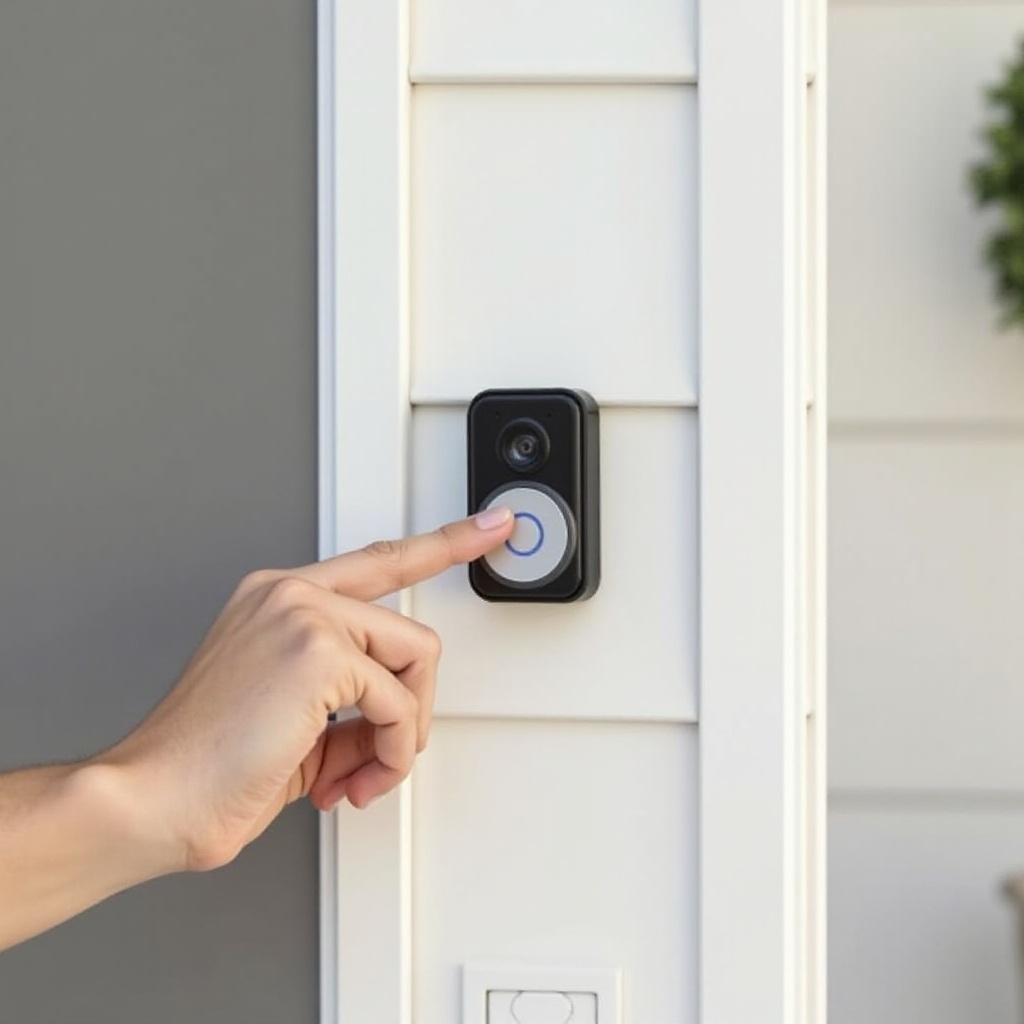
Before You Start: Safety, Warranty, and Security Checks
Before you push any tool into the release hole on your doorbell, you need to think about safety, warranty terms, and basic security. A few minutes of preparation can prevent electric shocks, damaged housings, or voided warranties.
Why Eufy Doorbells Use a Removal Pin
Eufy uses a small release pin for a clear reason. The doorbell slides onto a bracket and locks with a spring-loaded latch. The pin presses that latch so the doorbell can slide off.
This design:
– Makes casual removal harder for thieves
– Keeps the doorbell secure against bumps and vibrations
– Protects the wiring behind the device
When you use an alternative tool, you just need to mimic the thin, straight shape of the original pin so you can press the latch without bending or cracking anything.
Safety Precautions for Wired vs. Battery Eufy Doorbells
Battery-powered Eufy doorbells are easier from an electrical standpoint. They do not tie directly into your home’s low-voltage wiring. You still need to be gentle, but you do not face the same shock risk.
Wired Eufy doorbells connect to a transformer that can supply 16–24V AC. That voltage is low but still deserves respect. For wired models, do this before removal:
1. Turn off power at the breaker that feeds the doorbell transformer.
2. Test the doorbell by pressing the button to confirm it no longer rings.
3. Only then start working on removal.
This simple step lowers the chance of a short circuit or accidental contact with live wires.
Warranty, Property, and Security Considerations
You should also think about warranty and property rules:
– If your doorbell is new and still under warranty, check Eufy’s terms. Physical damage caused by prying or using sharp tools might not be covered.
– If you rent, ask your landlord or property manager before you remove a wired unit. Some leases restrict changes to doorbells or building wiring.
– Be aware that removing the doorbell makes the front of your home temporarily less secure, so plan the job for a time when you’re home and can reinstall or patch the spot the same day.
Once you understand the safety and rules, the next step is to identify exactly what kind of Eufy doorbell and mount you have so you can use the correct removal method.
Identify Your Eufy Doorbell and Mounting System
Not all Eufy doorbells lock onto the bracket in the same way. Knowing your model and mount type helps you find the release point and use the right removal technique. It also makes the later troubleshooting steps much easier.
How to Confirm Your Eufy Doorbell Model in the App
The easiest way to confirm your model is the Eufy Security app:
1. Open the Eufy Security app on your phone.
2. Tap the doorbell device tile.
3. Go to the settings or device info section.
4. Look for the model name, such as ‘Video Doorbell 2K’ or ‘Video Doorbell Dual’.
You can also check the back of the box if you still have it, or look for small text on the back or bottom of the doorbell if you have removed it before. Knowing the model helps you match the physical layout to the instructions below.
Recognizing Battery-Powered vs. Wired Eufy Doorbells
A quick visual check can tell you if your unit is battery or wired:
– Battery models often look slightly thicker to house the battery. You may see a charging port in the manual or app description.
– Wired models usually have permanent wires connected at the back and a slimmer profile. They sit closer to the wall and rely on the home’s transformer.
If you see small wires going into the back of the mount and into the wall, assume it is wired. That means the earlier power-off step is essential before you continue.
Standard, Wedge, and Corner Mounts Explained
Eufy doorbells can mount on:
– Standard flat brackets that sit straight on the wall
– Wedge mounts that tilt the doorbell up or down
– Corner mounts that angle it left or right
The doorbell usually locks into the front-most bracket. The release hole is often on the bottom or underside of that bracket. If you use a wedge or corner kit, the bracket stack may add thickness and make it harder to see the release hole.
Now that you know which model and bracket you have, you can pick a safe tool to replace the missing pin and prepare for the actual removal.
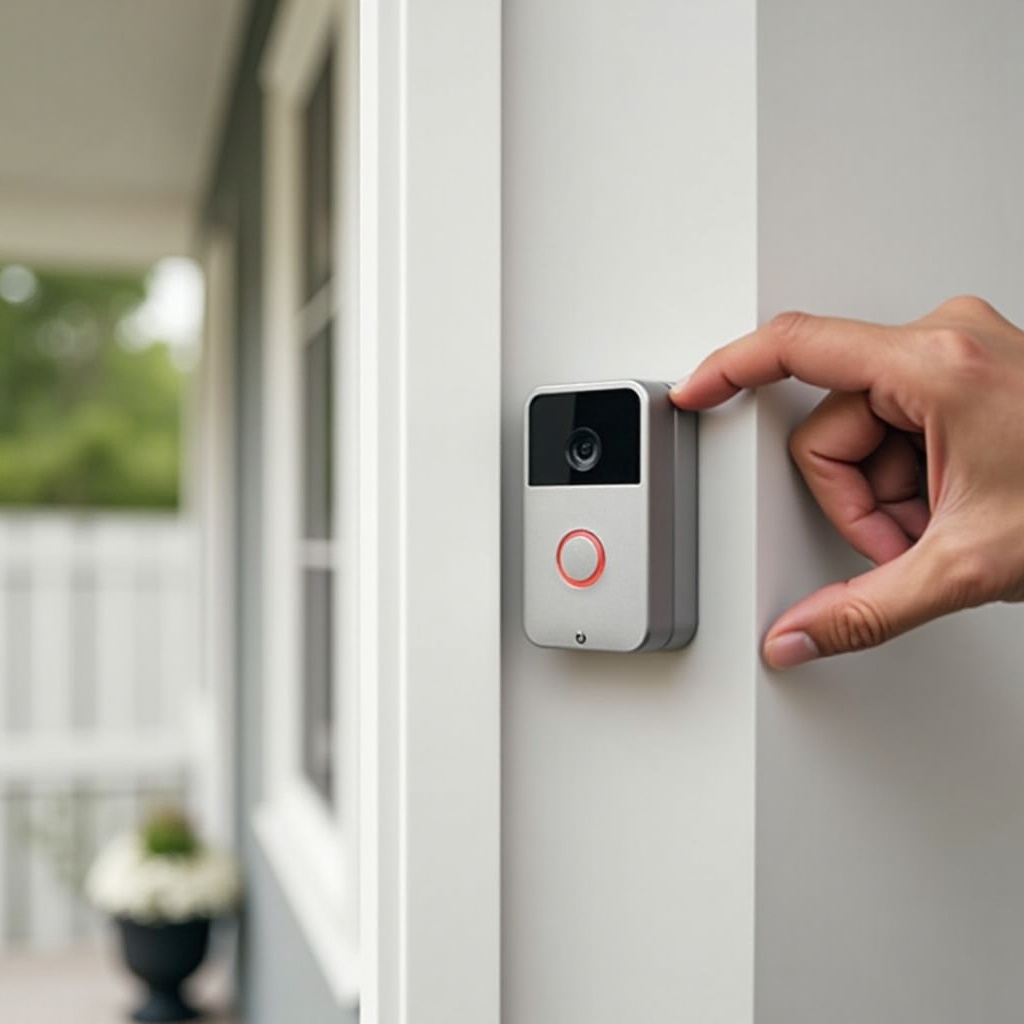
Tools You Can Use Instead of the Eufy Removal Pin
You do not need the exact factory tool to release the doorbell. You just need a thin, rigid metal piece that fits the small release hole and presses the internal spring. The right tool makes removal smooth and reduces the risk of damage.
Safe Household Alternatives (Paperclips, SIM Tools, Precision Pins)
Several common items work well as replacements:
– Straightened metal paperclip: Choose a small, standard-size clip. Straighten one end and keep it as smooth as possible.
– SIM tray eject tool: If you have an old phone box, the SIM eject tool is often perfect. It is thin, rigid, and already shaped like the original pin.
– Sewing pin or small precision pin: Use one with a thick enough shaft so it does not bend, but clip or cover the sharp tip if needed.
Always hold these tools firmly and keep your fingers behind the point. You only need gentle pressure, not force.
What Size and Shape Tool Works Best in the Release Hole
The release hole is very small, so size matters:
– Diameter: Aim for something around the thickness of a SIM tool or small paperclip. Too thick and it will not fit; too thin and it will bend or slip.
– Shape: Straight is best. Avoid curved or angled tools that can scratch the plastic around the hole.
– Length: A tool that reaches 1–2 cm into the hole is usually enough to press the latch.
If you insert the tool and it hits a solid wall immediately, you may be off-angle. Adjust the position slightly instead of pushing harder.
Tools You Should Avoid to Prevent Damage
Some tools can damage your doorbell or bracket:
– Large screwdrivers: These can chip plastic or crack the mount if you lever with them.
– Knives or sharp blades: These can slip and cut you or scratch the doorbell.
– Very thin needles: They bend easily and may not press the latch far enough.
If a tool feels too big, too sharp, or too flimsy, pick something else. With the right tool ready, you can move on to the step-by-step removal process.
Step-by-Step: How to Remove a Eufy Doorbell Without Pin
With your alternative tool prepared and your model identified, you can now go through the actual removal process. Move slowly and stop if something feels wrong. Careful handling here avoids cracks, broken brackets, or damaged wiring.
Turn Off Power and Prepare the Area
For wired doorbells:
1. Turn off the circuit breaker that feeds the doorbell transformer.
2. Confirm the doorbell no longer rings when pressed.
For all doorbells:
1. Make sure the area is dry. Avoid working in heavy rain.
2. Place a towel, foam pad, or your hand under the doorbell in case it releases suddenly.
3. If the doorbell is mounted high, use a stable step stool or ladder and keep both hands steady.
Preparation keeps the device from falling and protects you from unnecessary risk.
Locate the Release Hole and Internal Latch
Now you need to find the release point. It is usually:
– On the bottom edge of the doorbell or mounting bracket
– Sometimes on the side or slightly recessed underneath
Run your finger along the underside of the doorbell and bracket. Feel for a small round or oval hole. A flashlight can make this easier.
Once you find the hole, note the angle. Some models have the latch directly behind the hole. Others have the latch positioned slightly upward, so you need to insert the tool at a slight angle.
Insert the Alternative Tool and Release the Lock
Now use your paperclip, SIM tool, or pin:
1. Insert the tool gently into the release hole.
2. Push in slowly until you feel resistance. That is usually the latch.
3. Press firmly but not violently. You may feel a small click or spring movement.
Do not twist or lever the tool. Your goal is to press the latch straight in. If you meet solid resistance right away, pull out and adjust the angle. Repeat until you feel the latch give.
Slide the Eufy Doorbell Off the Bracket Safely
Once the latch is pressed, you need to slide the doorbell off:
1. Keep the tool pressed in with one hand.
2. With the other hand, grip the sides of the doorbell.
3. Slide the doorbell upward or outward (depending on model) while the latch is held.
The doorbell should move a few millimeters, then slide free of the bracket. When it starts to move, remove the tool and continue sliding until the unit is fully off.
For wired units, pull the doorbell gently away from the wall and support it while you see the wires behind it. Do not yank or twist the wires. At this point, knowing your exact model can help with the next detailed tips.
Model-Specific Tips for Popular Eufy Doorbells
Different Eufy doorbell models have small differences in latch position and wiring. Once you have the basic removal motion down, these model-specific notes help you avoid surprises and handle your exact device with care.
Eufy Video Doorbell 2K (Battery) Removal Tips
For the battery-powered Video Doorbell 2K:
– The release hole is often on the bottom of the main bracket.
– The doorbell slides upward once the latch is pressed.
When you press the latch, pull the bottom of the doorbell slightly outward and then slide it up. If you feel it snag, check for dirt or paint around the edges and gently clear it before trying again. Since this unit is battery-powered, you will not see wired connections unless you used an additional wired power kit.
Eufy Video Doorbell 2K (Wired) and Low-Voltage Wiring Handling
The wired Video Doorbell 2K sits closer to the wall:
– The release hole can be slightly recessed. A longer SIM tool or paperclip helps.
– Once released, the unit will pull straight off, with low-voltage wires connected at the back.
After the doorbell comes free:
1. Support the device with one hand.
2. Take a photo of the wire connections so you know how to reconnect them later.
3. Loosen any terminal screws only if you plan to fully remove the doorbell.
Handle the wires gently. Do not twist them hard or let them hang by their own weight.
Eufy Dual and Newer Models with Updated Brackets
Newer Eufy models like the Dual have slightly updated bracket designs:
– The release hole may sit deeper or at a slight angle.
– You might need to insert the tool and angle it up a little to catch the latch.
With these models, it helps to:
– Use a rigid tool like a SIM eject pin rather than a very flexible paperclip.
– Press the top of the doorbell gently toward the wall while you slide the bottom out and up once the latch releases.
If your doorbell still will not come off, you may face a different issue, such as paint or debris jamming the bracket. That is when focused troubleshooting becomes important.
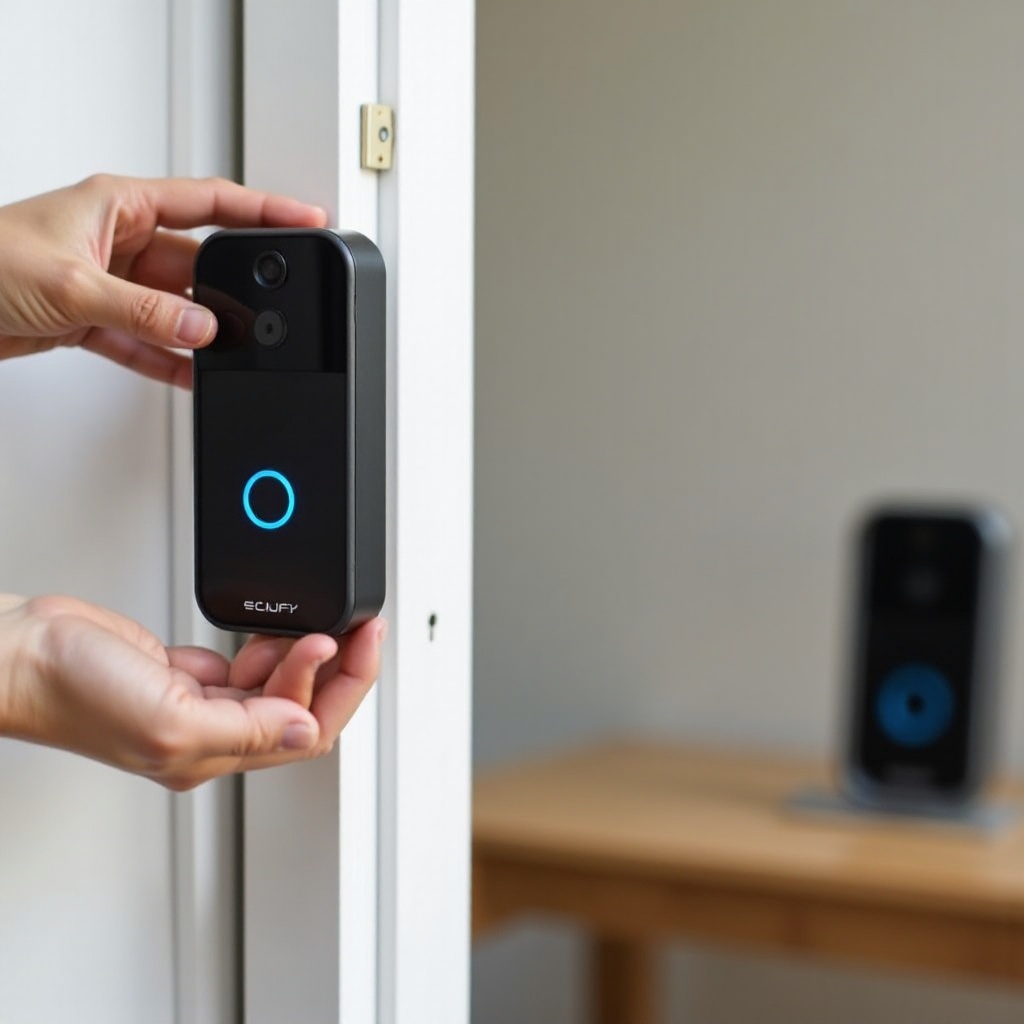
Troubleshooting: When Your Eufy Doorbell Won’t Come Off
Sometimes you do everything right and the doorbell still refuses to move. In that case, you need to check for other causes and use a careful, step-by-step approach. This helps you free the device without breaking anything.
Common Reasons the Doorbell Is Stuck on the Mount
A Eufy doorbell often gets stuck because of:
– Paint: Paint applied over the edges of the doorbell or bracket can glue the parts together.
– Dirt and debris: Dust, mud, or insects around the mount can harden and block the sliding motion.
– Over-tightened screws: Screws that hold the bracket to the wall may warp the bracket slightly.
Look around the edges for dried paint or buildup. If you see an obvious ridge of paint between the doorbell and the wall or bracket, that is likely part of the problem.
How to Loosen a Jammed Bracket Without Cracking the Housing
To free a stuck doorbell without breaking it:
1. Use a plastic card (like an old gift card) and slide the edge between the doorbell and the bracket to break paint or dirt seals.
2. Gently wiggle the doorbell while pressing the release latch, moving it side to side, then up.
3. Avoid using metal pry bars or screwdrivers directly against the visible plastic housing.
If the bracket itself is warped:
– Release the latch as best you can.
– Apply very light pressure up or out.
– If nothing moves, stop and reassess. Too much force can crack the device or bracket.
When to Stop DIY Attempts and Contact Eufy Support
DIY has limits. Stop and contact Eufy support if:
– The release hole looks damaged or crushed.
– The doorbell casing begins to crack or creak under pressure.
– You cannot locate the latch despite following the steps, and you are sure your tool is the right size.
Eufy support may ask for photos or a short video. They can confirm where the latch sits on your model and advise next steps. In some cases, a replacement bracket or service may be safer than continued force.
Once you succeed in removing the doorbell, you should inspect and clean it before you put it back or install a new device. That brings us to the next important stage.
After Removal: Inspecting, Cleaning, and Reinstalling Your Doorbell
With the doorbell off the mount, you have a good chance to check for hidden issues. A few simple checks now can extend the life of your system and improve video quality. This step also helps you decide whether to reinstall, repair, or upgrade.
Check for Damage to the Doorbell, Bracket, and Wiring
Inspect the parts carefully:
– Doorbell housing: Look for cracks, loose panels, or gaps where water could get in.
– Bracket: Check for warped plastic, stripped screw holes, or rust on metal parts.
– Wiring: Look for frayed insulation, loose connections, or corrosion on the terminals.
If you spot significant damage, consider replacing the bracket or consulting an electrician for wiring issues. A solid mount and clean wires ensure stable power and fewer disconnects.
Clean the Lens, Sensors, and Mounting Surface
Dirt on the lens and sensors reduces video clarity and night vision performance. Clean them with:
– A soft microfiber cloth for the camera lens and motion sensor window
– A bit of mild, non-abrasive cleaner sprayed on the cloth, not directly on the device
Also wipe the mounting surface:
– Remove dust, spider webs, and debris from behind the bracket area.
– Make sure the surface is dry and smooth to give the bracket a solid grip.
This simple cleaning step can greatly improve motion detection and picture quality.
Reinstalling or Upgrading Your Doorbell for Better Performance
Now decide what to do next:
– Reinstall the same Eufy doorbell: Reattach the wires if wired, slide the unit back onto the bracket until you hear a click, and test it from the app.
– Adjust the angle: If you had false alerts or poor framing, consider using a wedge or corner mount to change the view and reduce unwanted motion alerts.
– Upgrade to a newer model: If you installed a replacement Eufy doorbell, follow the new bracket’s instructions and ensure you know where the new release hole is located.
With the doorbell back in place, test live view, notifications, and the chime. After that, focus on preventing the ‘lost pin’ issue from happening again by getting a proper replacement tool and storing it well.
Getting a Replacement Eufy Removal Pin and Avoiding Future Issues
You removed your Eufy doorbell without the original tool, but you do not want to repeat the struggle. A proper replacement pin makes future maintenance simple and safer.
How to Order an Official Eufy Release Pin or Kit
You can often buy official replacement parts:
1. Visit the official Eufy website and look for accessories or replacement parts.
2. Search for your specific doorbell model and check whether they list a pin or mounting hardware kit.
3. You can also contact Eufy customer support and ask about replacement pins. They might point you to the right product or, in some cases, send one as part of support.
Using an official tool ensures the correct size and shape for your latch.
Third-Party and Universal Removal Tools for Smart Doorbells
If official parts are not available or take too long, you can use:
– Universal doorbell removal tools sold online, which often include several pin sizes.
– Sets of SIM tray eject tools, which match the thickness needed for most smart doorbell release holes.
When you shop:
– Read reviews to confirm that other users have used them on Eufy doorbells.
– Choose metal tools over plastic for better durability and accuracy.
Storage Tips So You Don’t Lose the Removal Pin Again
The pin is small, so you need a simple storage plan:
– Tape it inside your electrical panel door with a label ‘Doorbell Pin’.
– Keep it in a tiny zip bag taped to the inside of the front hall closet or router cabinet.
– Store it in the original Eufy box, and label the box clearly.
The goal is to pick a place you know you will check later. Once you secure a proper tool and know the removal process, you will find maintenance and upgrades much easier.
Conclusion
You can remove a Eufy doorbell without pin as long as you use a safe, thin tool and follow a careful process. The key steps are simple: confirm whether your doorbell is wired or battery-powered, turn off power for wired units, locate the small release hole, and press the internal latch with a replacement tool such as a SIM eject pin or straightened paperclip.
Take your time, especially if paint, dirt, or warped brackets make removal difficult. Avoid prying with large metal tools that can crack the housing or mount. Once the doorbell is free, inspect and clean the device, bracket, and wiring, then reinstall or upgrade as needed.
To prevent future frustration, get an official or universal replacement pin and store it in a place you will remember. With these steps, you can manage your Eufy doorbell confidently, keep your system in good shape, and handle maintenance tasks without relying on a tiny tool that is easy to lose.
Frequently Asked Questions
Can I permanently damage my Eufy doorbell by removing it without the pin?
Yes, you can damage the doorbell or bracket if you use the wrong tools or too much force. Avoid large screwdrivers, knives, or prying against the plastic housing. Use a small, straight metal tool, press the latch gently, and stop if you see bending or hear cracking. If it will not move, reassess your angle or contact Eufy support instead of forcing it.
Is it safe for a renter to remove a Eufy doorbell without the original tool?
It can be safe, but renters should check their lease or ask the landlord first, especially for wired units. Some landlords install smart doorbells themselves and may want to handle removal or provide the correct tool. If you do remove it, take photos before and after, avoid drilling new holes without permission, and reinstall the device or patch the area when you move out.
Will removing my Eufy doorbell without the pin affect my recordings or settings?
Removing the doorbell from the bracket does not usually erase your recordings or change settings. Videos stored on a HomeBase or in the cloud remain linked to your account. However, if you reset the doorbell, delete it from the app, or change storage options, you may lose some local data. Always check storage settings in the Eufy app before you reset or replace the device.