Best Good Laptops for Recording Music in 2024: A Complete Buyer’s Guide
Introduction
Choosing a laptop for music recording can feel confusing. Specs, brands, and price points blur together fast, and many recommendations sound the same. Yet your laptop sits at the center of your studio. If it lags, pops, or crashes, your creativity stalls with it.
You do not need the most expensive machine to make serious music. You do need a laptop that matches your recording style, your DAW, and your budget. The right choice lets you track vocals, guitars, and virtual instruments with low latency and minimal frustration.
This guide breaks down what makes good laptops for recording music in 2024. You will see which specs matter, how different price levels perform, and how to optimize any system. As you move through each section, you will build a clear picture of what you actually need, starting with the core traits that define a good recording laptop.
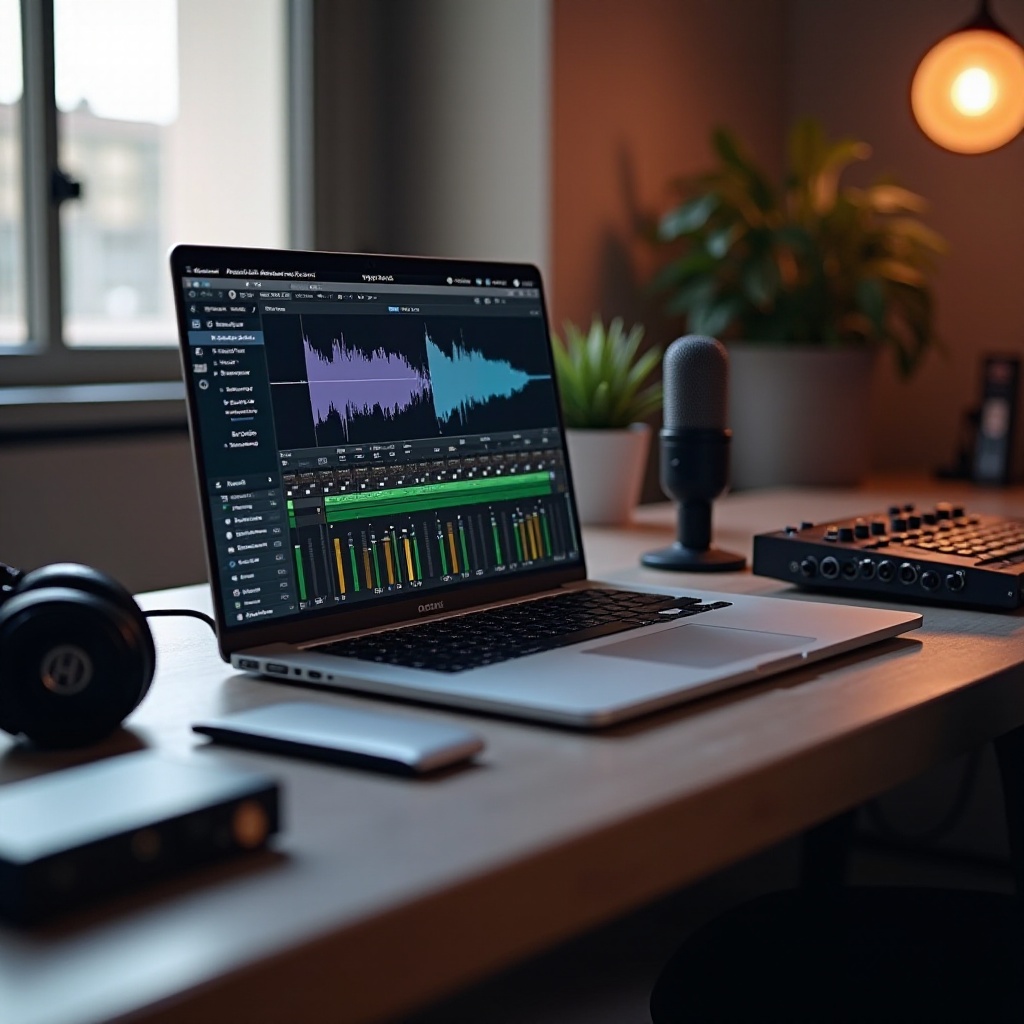
What Makes a Laptop ‘Good’ for Recording Music?
A good music laptop is not just fast on paper. It stays stable in real sessions, handles your plugins, and works well with your audio interface and other gear.
Why your laptop matters more than you think
Your laptop:
- Runs your DAW, like Ableton Live, Logic Pro, FL Studio, or Pro Tools.
- Hosts virtual instruments and effects plugins.
- Communicates with your audio interface for low-latency recording.
If the laptop struggles, you get:
- Audio dropouts, pops, and glitches.
- High latency that makes live tracking feel delayed.
- Crashes and freezes that break your creative flow.
A good laptop keeps all of this smooth so you can focus on performance and sound rather than troubleshooting.
Recording vs. producing vs. mixing
Different workflows stress your system in different ways:
- Recording: You need low latency and stable drivers. Track counts may stay low, but timing is critical, especially for singers and instrumentalists.
- Producing: Virtual instruments and sample libraries hit CPU and RAM hard. Electronic producers and beatmakers load many synths and drum machines.
- Mixing: Many plugins across many tracks tax CPU and sometimes disk speed. Long mix sessions demand stability and cooling.
Know which area matters most to you. A singer-songwriter tracking a few audio tracks has different needs than a producer running 40 tracks of synths and drums.
Common mistakes when choosing a music laptop
People often:
- Chase flashy features like RGB lights or gaming GPUs instead of quiet cooling and strong CPUs.
- Undervalue RAM and SSD size, then run out of resources as projects grow.
- Ignore ports and end up with too few USB or Thunderbolt options for interfaces and controllers.
- Forget to check DAW and plugin compatibility with the operating system they buy.
Recognizing these pitfalls makes the next section on key specs much clearer. Once you know what a good laptop must do in practice, you can read spec sheets with confidence instead of guesswork.
Key Specs to Look for in a Music-Recording Laptop
Now that you know what a good laptop must handle, you can look at the specs that actually matter. These details decide how well your sessions run and how long your laptop will stay useful.
CPU power: cores, clock speed, and real DAW performance
The CPU is your main engine. In audio work, both single-core and multi-core performance matter.
- Aim for at least a modern 4- to 8-core processor.
- Higher single-core performance helps with real-time tasks like monitoring and recording.
- Strong multi-core performance helps when you stack lots of tracks and plugins.
For serious work, many producers choose recent Apple Silicon chips or current Intel/AMD processors with strong benchmarks in creative apps. The exact model matters less than making sure you are not buying very old or low-power chips.
RAM requirements for smooth sessions
RAM affects how many tracks, plugins, and instruments you can load before your system chokes.
- 8 GB: Bare minimum for basic recording and light production.
- 16 GB: Sweet spot for most home studios and serious hobbyists.
- 32 GB+: Best for large orchestral templates and heavy mix sessions.
If you use big sample libraries for pianos, strings, or cinematic sounds, lean toward more RAM. It keeps your sessions responsive when you load many instruments at once.
SSD storage and managing sample libraries
An SSD is non-negotiable for music production in 2024.
- Faster load times for projects and instruments.
- Less chance of glitches when streaming audio from disk.
- Smoother editing and bouncing when sessions get dense.
A simple strategy works well:
- Use a 512 GB or 1 TB internal SSD for your operating system, DAW, and main plugins.
- Add an external SSD for sample libraries, older projects, and backups.
Ports, connectivity, and audio interface compatibility
Your laptop must talk to your gear without constant adapters.
- Look for enough USB-A/USB-C ports for interfaces, MIDI controllers, and hard drives.
- Thunderbolt is useful for high-end interfaces and very fast storage.
- Strong Wi-Fi and Bluetooth help with cloud backups and wireless devices.
Always check that your audio interface supports your chosen OS and connection type. Driver quality is as important as port count.
Fan noise, thermals, and recording quality
Laptop fans can bleed into sensitive mic recordings.
- Thin, very light laptops often run hotter and spin fans more often.
- Efficient designs, including many Apple Silicon machines and some tuned Windows laptops, stay quieter under load.
If you record vocals or acoustic instruments near your laptop, you can:
- Place the laptop off-axis from the mic to reduce direct noise.
- Use dynamic mics and good gain staging to cut fan noise pickup.
- Choose a model known for decent cooling and moderate fan noise.
With the core specs in mind, you can now see how these choices scale across different budgets and needs, starting with entry-level options for new creators.
Good Laptops for Recording Music on a Budget
You can start recording music without spending a fortune. Budget laptops have limits, but with the right expectations and tweaks, they can still be good laptops for recording music.
Minimum specs for basic home recording
For entry-level users, try to hit:
- A modern 4- to 6-core CPU.
- 8 GB RAM, with 16 GB preferred if your budget allows.
- 256–512 GB SSD for the operating system, DAW, and a few projects.
- At least two USB ports plus a headphone output.
This setup can handle:
- Simple vocal and guitar tracking.
- Light plugin use, such as EQ, compression, and basic reverb.
- Basic beat-making with a few virtual instruments.
What you can and cannot do on a budget laptop
With a budget machine, you can:
- Record a few tracks at once through a small audio interface.
- Work on modest sessions (10–20 tracks) with careful plugin use.
- Edit, comp, and do basic mixes for demos and small releases.
You may struggle when you:
- Run many CPU-heavy plugins, like advanced reverbs or analog emulation chains.
- Load large sample libraries for orchestral or cinematic work.
- Push very low buffer sizes at high sample rates for complex live sessions.
Optimization tips to get more performance
To stretch a budget machine as far as possible:
- Close all non-audio apps, including browsers and chat tools, when recording.
- Set a reasonable buffer size: lower for tracking, higher for mixing.
- Freeze or bounce tracks with heavy plugins to reduce CPU load.
- Keep your system clean, updated, and free of unnecessary background tools.
As your skills and sessions grow, you will notice when you hit these limits often. That is a good sign you are ready to move into the mid-range, where laptops offer more headroom and flexibility.
Good Mid-Range Laptops for Growing Producers
Mid-range laptops offer a strong balance of power and price. They suit producers who handle more tracks, use several virtual instruments, and mix with wider plugin chains.
Ideal specs for 20–40 track sessions
For growing producers, aim for:
- An 8-core or strong 6-core CPU.
- 16 GB RAM as a practical minimum.
- 512 GB–1 TB SSD for your OS, DAW, and active projects.
- A good mix of USB and USB-C or Thunderbolt ports for interfaces and controllers.
This level lets you:
- Run 20–40 tracks with a comfortable plugin load.
- Work on complex arrangements with multiple buses and effects.
- Use modern DAWs and instruments without constant freezing or bouncing.
Handling virtual instruments and FX plugins
If you produce electronic music, hip-hop, or pop, your CPU and RAM will juggle multiple instruments and effects.
- Synths and drum machines run in real time and hit the CPU.
- Sample-based instruments store and stream large audio files, which hit both RAM and SSD.
- Creative FX chains, like saturation stacks and complex reverbs, add extra CPU demand.
A mid-range laptop gives you headroom to experiment, layer sounds, and work at a creative pace instead of fighting CPU limits every few minutes.
Balancing price, power, and portability
In this segment, you can choose between different styles of machines:
- Lighter, portable models with solid performance for travel and mobile sessions.
- Slightly heavier laptops with more ports and stronger cooling for long studio days.
If you travel often, favor portability and battery life. If you mostly work at home, a slightly larger, cooler laptop can offer more sustained performance for long mixing or producing sessions.
When you start running 50+ track sessions, using heavy orchestral libraries, or mixing full albums regularly, you step into high-end territory, where laptops are designed for serious, daily production work.
High-End Laptops for Serious Recording and Mixing
High-end laptops target serious producers, engineers, and artists who push their systems hard every day. These machines cost more, but they save time and stress in demanding workflows.
When you need heavy multitrack and plugin power
A high-end laptop makes sense if you:
- Mix 50–100+ track sessions with many buses and sends.
- Use many CPU-intensive plugins, like linear-phase EQs, advanced reverbs, and analog emulations.
- Load large sample libraries for film scoring, orchestral work, or complex arrangements.
Look for:
- A powerful multi-core CPU with strong single-core performance.
- 32 GB or more RAM if you use big libraries or many instruments.
- 1 TB or larger fast SSD plus external SSDs for libraries and backups.
Future-proofing your music production setup
Spending more now can pay off when you plan to produce and mix for years.
- A strong laptop can carry you through major DAW updates and new plugin releases.
- You can take on more complex client work without constant system upgrades.
- Your sessions stay smoother, even as your arrangements and mix chains grow.
Laptop vs. desktop for professional producers
Desktops still win on raw power per dollar, but laptops bring mobility.
- Laptops let you move between studios, travel, and work with clients on-site.
- Many high-end laptops now rival mid-range desktops in real-world audio performance.
If you need to move between locations and still handle heavy sessions, a strong laptop is often the better choice. If you never move your rig and want maximum power for the money, a desktop may be smarter.
Before you pick specific models, you also need to decide which platform fits your workflow best: Windows or Mac. That choice affects software, drivers, and long-term costs.
Windows vs. Mac: Which Is Better for Recording Music in 2024?
Both Windows and Mac laptops can be good laptops for recording music. The best choice depends on your DAW, plugins, budget, and personal preference.
DAW and plugin compatibility on both platforms
- Some DAWs are Mac-only, such as Logic Pro.
- Most major DAWs, including Ableton Live, Pro Tools, Studio One, and FL Studio, run on both systems.
- Most modern plugins support both platforms, but you should always check before you buy.
If you already own licenses tied to one platform, that may guide your choice. Switching platforms can mean repurchasing software or waiting for new installers.
Driver stability, latency, and audio interfaces
- Mac systems use Core Audio, which many users find stable with low latency and minimal driver hassle.
- Windows offers more hardware variety but depends on good ASIO drivers from your interface maker.
Both platforms can deliver professional results. The key is choosing a reliable audio interface with strong, up-to-date drivers for your chosen OS and sticking with proven setups.
Cost, longevity, and resale value for musicians
- Windows laptops cover a wide price range, including strong budget and mid-range options that offer good value.
- Mac laptops often cost more upfront but keep value longer and offer tight hardware-software integration.
If you need flexibility and lower entry prices, Windows may fit better. If you value a controlled ecosystem, long support, and higher resale value, a Mac can be worth the investment.
No matter which platform you choose, you will still need to tune your system for audio work. The next step is to optimize any laptop so you get the best possible performance in your sessions.
Optimizing Any Laptop for Recording Music
Even the best laptop performs better with a few smart tweaks. Optimization helps budget, mid-range, and high-end machines alike stay stable and responsive.
Essential OS tweaks for better audio performance
Consider these steps:
- Disable or limit background apps, such as cloud sync and auto updaters, while recording.
- Set your power plan to a high-performance mode to avoid CPU throttling.
- Turn off unnecessary visual effects and startup programs that consume resources.
- Keep your OS, DAW, and interface drivers updated, but avoid beta versions for critical work.
These steps free CPU and reduce the chances of glitches and random interruptions during takes.
Managing latency, buffer size, and sample rate
Latency affects how instant your performance feels in your headphones.
- Use a low buffer size for recording and monitoring in real time.
- Raise the buffer size for editing and mixing to reduce CPU load and improve stability.
- A sample rate of 44.1 or 48 kHz is enough for most music projects and keeps CPU use reasonable.
Test different settings to find the best balance for your laptop and interface. Each system has its own sweet spot where it stays responsive without constant errors.
Organizing projects, backups, and external drives
A neat system prevents headaches and lost work.
- Store active projects on a fast internal or external SSD rather than a slow hard drive.
- Keep clear folder structures for sessions, stems, and bounces to find files quickly.
- Use at least one external drive or cloud service for backups and versioned copies.
If your laptop fails, your sessions stay safe and you can get back to work faster. Good organization also makes collaboration easier when you share projects with other musicians or engineers.
With optimization in place, it helps to see how these principles apply in real workflows. The next section walks through example setups for different types of musicians so you can picture how a laptop fits into your own recording world.
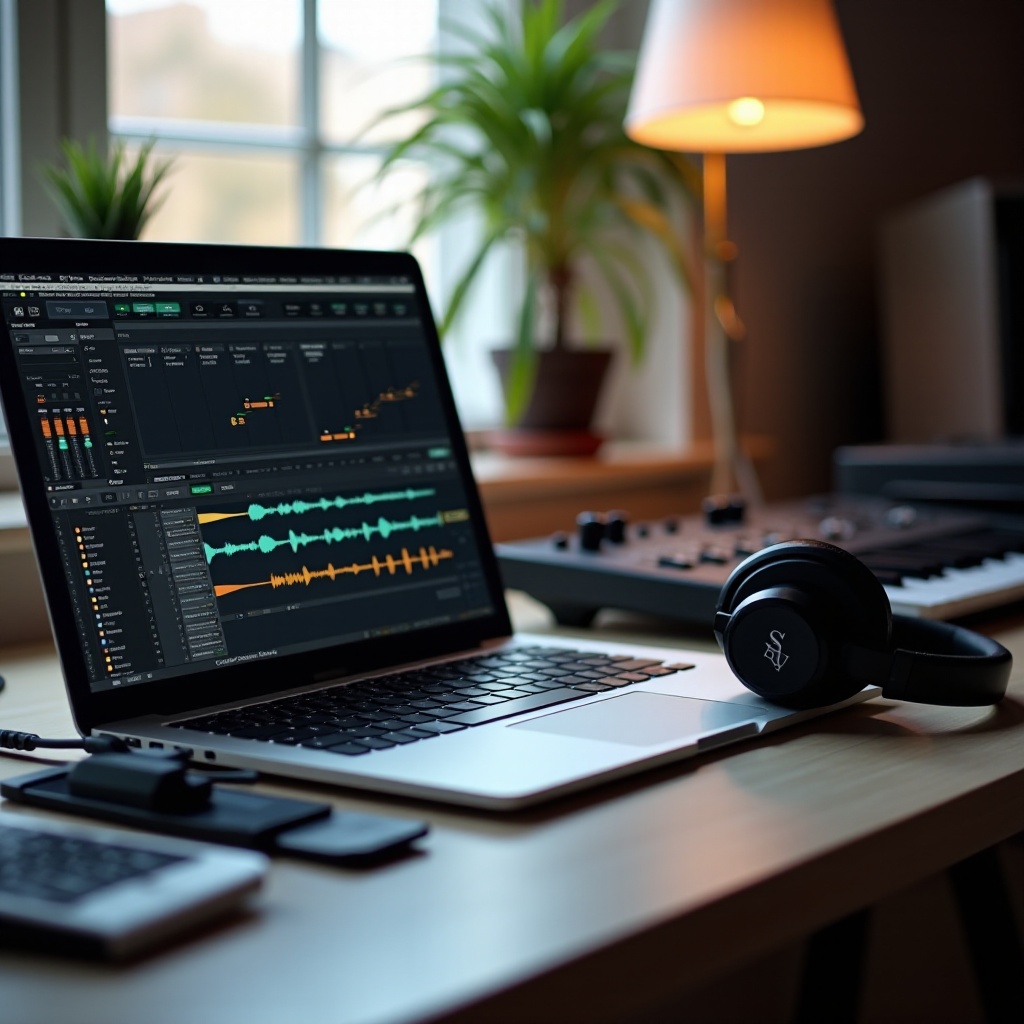
Example Recording Setups for Different Types of Musicians
Different creators need different tools. Here are practical ways to pair good laptops for recording music with real-world workflows.
Singer-songwriter or podcaster home studio
You can thrive with a modest but well-chosen setup:
- A budget or mid-range laptop with 8–16 GB RAM and a solid SSD.
- A simple 2-in/2-out USB audio interface.
- One or two quality microphones, closed-back headphones, and maybe small studio monitors.
This setup handles vocals, acoustic instruments, and spoken word with ease. The focus is on clean capture, low noise, and reliable takes rather than heavy processing.
Beatmaker or electronic producer workflow
Beatmakers and electronic producers lean heavily on instruments and FX.
- A mid-range or high-end laptop with at least 16 GB RAM and plenty of SSD space for sample packs.
- A MIDI keyboard and possibly a pad controller for drums.
- An audio interface with low-latency performance for occasional tracking.
You will run multiple synths, samplers, and effect chains, so CPU and RAM matter more than having many audio inputs. A good laptop in this category lets you try ideas fast and keep your creative momentum.
Mobile recording rig for touring artists
Touring artists need compact, reliable setups.
- A lightweight laptop with strong battery life and quiet fans.
- A compact bus-powered audio interface.
- Closed-back headphones and a dynamic mic that rejects room noise.
You can capture ideas in hotel rooms, vans, and green rooms, then refine them later in the studio. Portability and stability matter more than raw power, though a capable CPU still helps when sessions grow.
Regardless of your role, the goal is the same: a laptop that stays out of your way so you can create. With the examples in mind, you can now see how to choose the best path for your own setup.
Conclusion
Good laptops for recording music in 2024 share a few key traits. They use modern multi-core CPUs, at least 8–16 GB of RAM, and fast SSD storage. They offer enough ports for your interface and controllers and stay stable inside your DAW.
A budget laptop can handle simple tracking and light production with some smart optimization. Mid-range machines give growing producers the power to run larger sessions and more instruments. High-end systems serve professionals who need to push big projects and heavy plugin chains without compromise.
Choose the platform, specs, and price level that fit your workflow, not someone else’s. Match your laptop to your DAW, your interface, and your creative goals. With the right setup and a few tuning steps, your laptop becomes a reliable studio partner that supports your music instead of holding it back.
Frequently Asked Questions
Do I need an expensive laptop to record professional-quality music in 2024?
No. You can record professional-quality music on a reasonably priced laptop if it meets key specs: a modern multi-core CPU, at least 8–16 GB of RAM, and an SSD. The quality of your audio interface, microphones, room treatment, and performances matters more than the raw price of the laptop. High-end laptops mainly help when you run large sessions, many plugins, or big sample libraries on a regular basis.
How much RAM and storage are really enough for recording music?
For most users, 16 GB of RAM offers a solid balance between cost and performance. If you only record a few audio tracks with light plugins, 8 GB can work, but you may outgrow it quickly. For storage, aim for at least a 512 GB SSD, with 1 TB preferred if you keep many projects and sample libraries on the internal drive. External SSDs are ideal for backups, extra libraries, and archiving older sessions.
Is a dedicated GPU important in a laptop for music production?
A dedicated GPU is not essential for most music recording and production tasks. Your DAW and audio plugins rely far more on CPU power, RAM, and SSD speed. A GPU becomes useful if you also do video editing, 3D work, or use GPU-accelerated plugins or visual tools. If your main focus is audio, prioritize CPU performance, adequate RAM, fast storage, and stable drivers over a powerful graphics card.