How to Connect to a Braven Speaker
Introduction
Braven speakers, renowned for their durability and superior sound quality, have become a popular choice among audiophiles and casual listeners alike. However, getting the most out of your speaker hinges on successfully connecting it to your devices. Whether you’re a seasoned techie or new to the world of wireless audio, understanding the connection process can greatly enhance your listening experience. This guide will walk you through the necessary steps to seamlessly connect your Braven speaker, ensuring you enjoy your favorite tunes with minimal hassle.
Understanding Your Braven Speaker
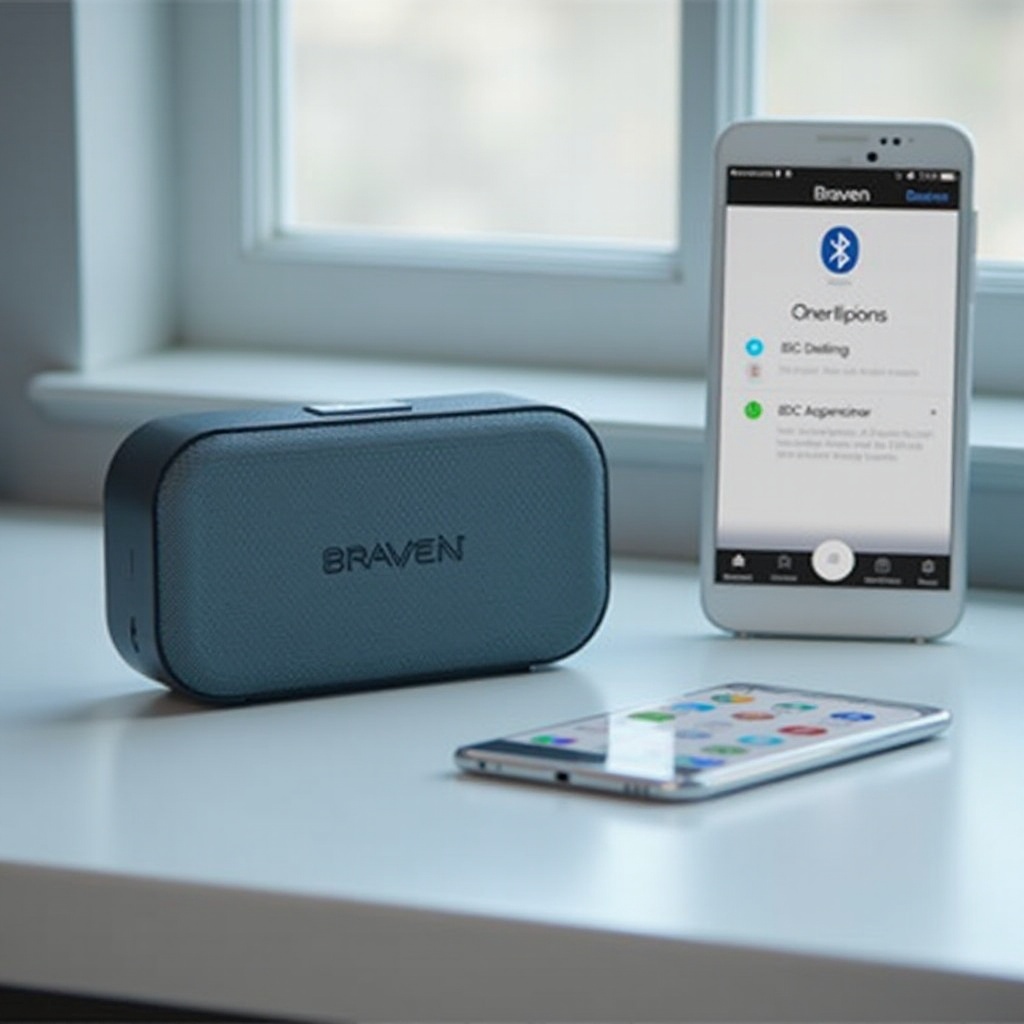
Before diving into connections, it’s crucial to understand the capabilities of your specific Braven model. The 2024 lineup introduced advanced Bluetooth technology and continued support for auxiliary cables. Some models even offer NFC for quick connections. Having a clear grasp of what your speaker can do is key to choosing the most effective connection method. With this knowledge, you can confidently move forward and start preparing your devices for connection.
Pre-Connection Preparations
To ensure a smooth connection process, begin by fully charging your Braven speaker. A fully powered speaker operates at peak performance, minimizing interruptions. Additionally, turn on Bluetooth in your device’s settings. This initial setup ensures your speaker and device are ready to pair effortlessly.
Taking the time to prepare ensures a smoother experience. With preparation out of the way, let’s explore the most common way to connect: Bluetooth.
Connecting via Bluetooth
Bluetooth offers a wireless, easy way to connect to your Braven speaker:
1. Activating Pairing Mode on the Speaker: Switch your Braven speaker on. Hold the Bluetooth button until the LED light begins flashing. This signals the speaker is ready to pair.
2. Searching for Devices from Your Smartphone/Tablet: Access the Bluetooth settings on your device. Once there, search for and select your Braven speaker.
3. Securing the Bluetooth Connection: Listen for a confirmation chime from the speaker, indicating the devices have paired successfully.
Although Bluetooth is widely used due to its convenience, auxiliary cables and NFC provide valuable alternatives, particularly in environments with heavy wireless interference.
Other Connectivity Options
Braven speakers boast a variety of connectivity options:
– Connecting via Auxiliary Cable: For steady connections, plug one end of an auxiliary cable into your device and the other into your Braven speaker. This method is both simple and reliable, ideal for situations where wireless signals might falter.
– NFC Connectivity: If your speaker supports NFC and your device is compatible, enable NFC and tap your device to the speaker for an instant connection.
Despite the reliability of these methods, sometimes you might encounter issues. Let’s cover how to troubleshoot common connectivity problems.
Troubleshooting Common Connection Issues
If you run into connection issues, don’t worry. Here are some common solutions:
– Resolving Bluetooth Connectivity Problems: Ensure both devices are within range and in pairing mode. Restart the speaker and your device to reset the Bluetooth connection.
– Issues with Wired Connections: Check the integrity of your auxiliary cable if audio problems arise. Using a different cable can help determine if the issue is with the cord itself.
After resolving any connectivity issues, optimizing your audio settings can make the listening experience even better.
Enhancing Your Audio Experience
Connected successfully? Great! Here are some tips to boost sound quality:
– Adjusting Sound Settings for Better Quality: Tweak the equalizer settings on your device to perfect the balance of bass and treble.
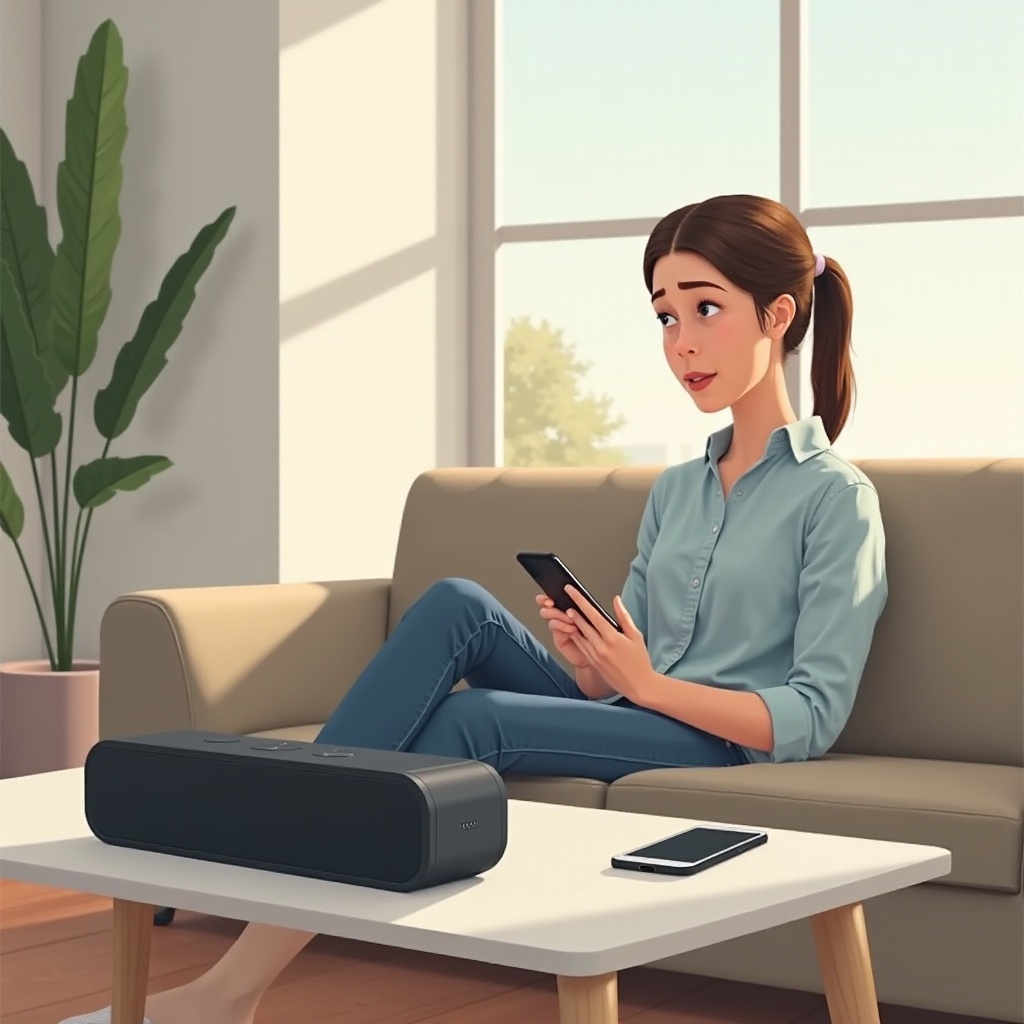
– Optimal Placement of Your Braven Speaker: Position your speaker centrally in your room for the best sound distribution, avoiding placement too close to walls which might distort audio.
Armed with these steps and tips, you’re prepared to enjoy the full range of capabilities your Braven speaker offers.
Conclusion
This comprehensive guide covers the essentials of connecting your devices to a Braven speaker. From initial setup to selecting the best connection method, each step is designed to maximize your audio experience. By following these instructions, you can enjoy high-quality sound every time you connect your Braven speaker.
Frequently Asked Questions
Why won’t my Braven speaker pair with my device?
Ensure your speaker is in pairing mode and within range. Double-check that your device’s Bluetooth is active. Restart both the speaker and your device.
Can I connect multiple devices to my Braven speaker simultaneously?
Most Braven speakers require you to disconnect one device before pairing another. Multiple simultaneous connections are not typically supported.
How do I reset my Braven speaker?
To reset, press and hold both the power button and volume up button until the speaker powers off and back on, resetting all connections.