Understanding and Resolving Common Sanyo TV Problems
Sanyo TVs have become a household staple thanks to their affordability and range of features. However, like any electronic devices, they can encounter issues. This comprehensive guide will help you tackle prevalent Sanyo TV problems and restore or enhance your viewing experience. Whether you’re dealing with a stubborn display issue or connectivity glitches, understanding the root of these problems is the first step towards a solution.
Introduction
Experiencing issues with your Sanyo TV can be quite frustrating. From display malfunctions to sound concerns, connectivity, and power disruptions, these problems can significantly impair your entertainment experience. Fortunately, most of these issues can be resolved with some simple troubleshooting steps. This guide will explore common challenges and provide practical solutions to help you get the most out of your Sanyo TV.
Common Display Problems with Sanyo TVs
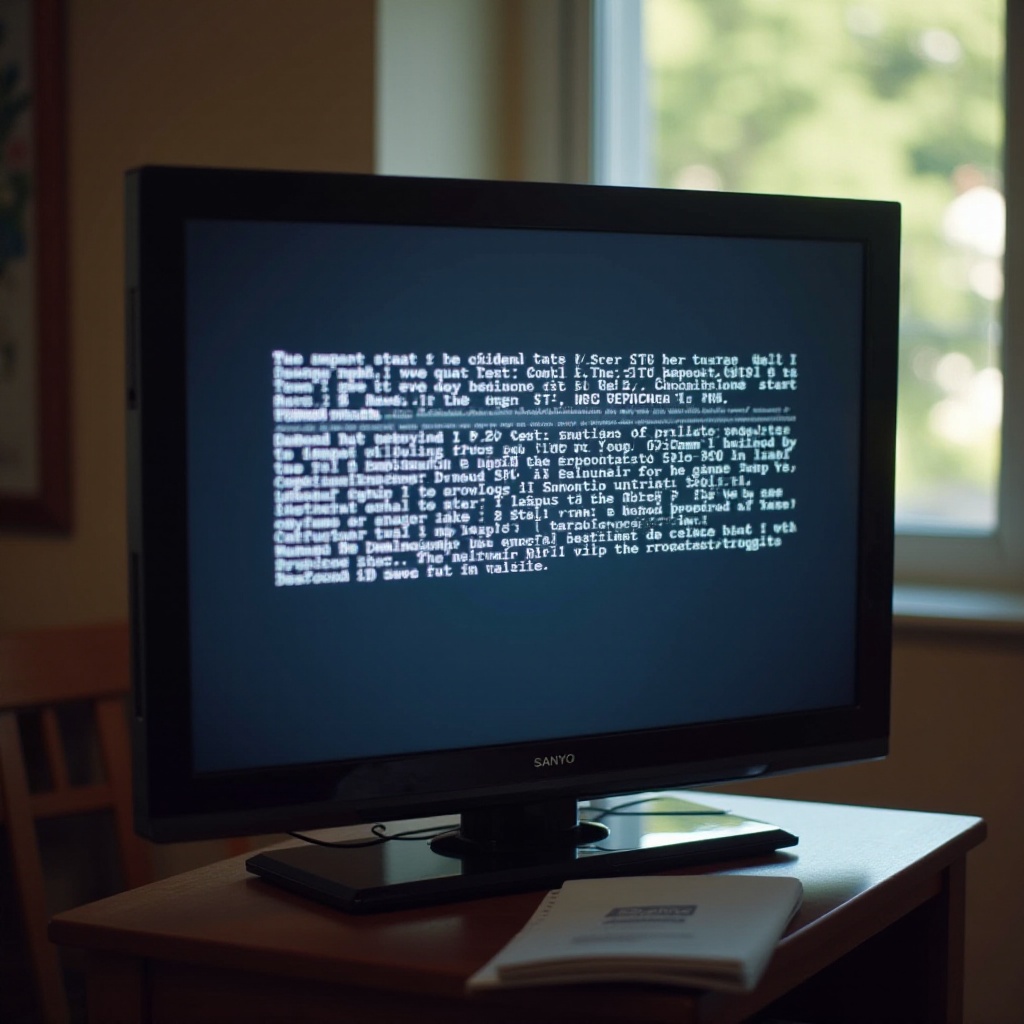
Among the most frequently reported problems with Sanyo TVs are display issues. These can severely impact your viewing experience if not quickly and effectively addressed.
Blank or Black Screen Issues
A blank or black screen can be daunting, but several solutions may resolve the problem:
- Check Power Supply: Ensure that your TV is receiving power by checking all cable connections.
- Inspect the Input Source: Double-check that the correct input source is selected; switching HDMI inputs can often solve the issue.
- Perform a Hard Reset: Unplug the TV for a minute and then plug it back in to clear temporary glitches.
Pixelation and Screen Artifacts
Pixelation can make viewing a chore and is often caused by a weak signal or incorrect settings:
- Adjust Antenna Position: Make sure the antenna is positioned for the best signal.
- Update Software: Check for firmware updates that may resolve the issue.
- Check Cable Connections: Secure all cable connections and replace any faulty cables to resolve the issue.
Now that we’ve tackled display problems, let’s shift focus to another critical component—audio.
Troubleshooting Audio Issues
A smooth audio experience is essential for true entertainment satisfaction. Fortunately, many sound-related issues can be resolved with some basic troubleshooting.
No Sound Output
If your TV is silent despite being on, try the following:
- Verify Mute Settings: Ensure the mute function is not activated.
- Inspect Volume Levels: Check the volume on your TV and any connected audio devices.
- Examine External Devices: Ensure soundbars or external speakers are functioning correctly.
Uneven Sound Levels
Fluctuating sound levels are distracting. Here’s how to address this problem:
- Check for Latest Updates: Update your firmware to address potential software-related audio issues.
- Adjust Audio Settings: Navigate to audio settings to apply sound leveling or dynamic range compression corrections.
- Inspect Audio Cables: Ensure audio cables are secure and in good condition.
Having tackled audio matters, let’s ensure your connectivity is flawless for uninterrupted entertainment.
Connectivity Challenges and Solutions
Good connectivity is vital for using a variety of modern external devices with your Sanyo TV. Here’s how to troubleshoot common connectivity concerns.
HDMI Port Connectivity Problems
If your HDMI devices aren’t recognized:
- Switch HDMI Ports: Use different ports to check if the problem is port-specific.
- Inspect HDMI Cables: Swap cables to rule out hardware issues.
- Change Resolution Settings: Certain resolutions may not be supported by your devices or ports.
Wi-Fi Connection Troubles
Streaming requires a solid internet connection. Address Wi-Fi issues with the following steps:
- Verify Network Settings: Ensure the TV is connected to the correct network.
- Reset Router: Sometimes simply restarting your router can fix connection problems.
- Reduce Interference: Position your router closer to your TV to enhance the signal strength.
Superlative connectivity is paramount, so now let’s tackle common remote control issues.
Remote Control Troubleshooting
Effortless navigation with your remote is a key part of the viewing experience. We will look into some common remote issues and fixes.
Unresponsive Remote Control
If your remote is not working properly, consider these solutions:
- Replace Batteries: Ensure the batteries are fresh and correctly inserted.
- Reset the Remote: Consult the TV manual on how to reset the remote control.
- Obstructions Check: Make sure nothing is blocking the path between the remote and the TV sensor.
Syncing the Remote with the TV
If syncing is the issue, try the following:
- Re-Pair the Remote: Follow steps in the manual to pair the remote again.
- Clear the Pathway: Ensure no objects block the remote’s path to the TV.
- Inspect the Remote for Damage: Check for physical damage that could impede functionality.
After addressing remote issues, let’s ensure your TV’s power remains stable and consistent.
Addressing Power Problems
Power issues can be especially puzzling but are often easy to remedy with the right steps.
TV Won’t Turn On
Address this issue with these simple checks:
- Check Power Source: Confirm the power outlet is functioning using another device.
- Inspect for Mechanical Issues: Check the power button and cables for damage.
- Perform a Factory Reset: Follow your manual’s instructions to restore factory settings if necessary.
Unexpected Power Off
If your TV shuts off without warning:
- Inspect Sleep Timer Settings: Ensure no timers have been mistakenly set.
- Check for Overheating: Ventilation should not be obstructed to prevent overheating.
- Update the Firmware: Ensure firmware is updated to address any known issues.
Addressing power issues is crucial for enjoying your Sanyo TV to its fullest potential. Let us wrap up this comprehensive guide.
Conclusion
Sanyo TV problems can be a hassle, but with this guide, most common issues are conquerable. You’ve learned how to tackle display issues, optimize audio, ensure flawless connectivity, manage remote control troubles, and secure stable power. Regular maintenance and keeping up with firmware updates will help prevent these problems from reoccurring. Arm yourself with these solutions and enjoy your viewing experience to the fullest.
Frequently Asked Questions
How often should I update the firmware on my Sanyo TV?
To keep your TV running smoothly, check for firmware updates every month or whenever you notice performance issues.
What should I do if my Sanyo TV keeps losing its Wi-Fi connection?
Verify your network settings, ensure your router is close to the TV, and try restarting the router to resolve connectivity issues.
Is it possible to fix screen artifacts on my own, or do I need professional help?
You can resolve screen artifacts by adjusting the antenna position and checking cable connections, but persistent issues may require professional assistance.