Should You Let Your New iPhone Battery Die Before Charging?
Introduction
iPhone battery life is a hot topic for users who want to maximize device longevity and maintain peak performance. One recurring question is whether you should allow your new iPhone battery to die completely before recharging. Misunderstandings about modern battery technology can lead to practices that may not necessarily support optimal battery health. Let’s explore this topic in detail to provide the clarity you need.

Understanding iPhone Battery Technology
iPhones come equipped with lithium-ion batteries, a significant advancement over older technology like nickel-cadmium or nickel-metal hydride batteries. These lithium-ion batteries offer several benefits: they charge faster, hold a higher capacity of charge, and are unaffected by the ‘memory effect,’ which was a common issue with older batteries where incomplete cycles could lead to diminished capacity.
The chemistry of lithium-ion batteries enables partial charges without causing harm or loss of capacity. Apple’s sophisticated battery management technology further enhances the safety and efficiency of these batteries, prolonging their lifespan by optimizing charging cycles and maintaining battery health from the outset.
Debunking the Myth: Should You Let Your iPhone Battery Die?
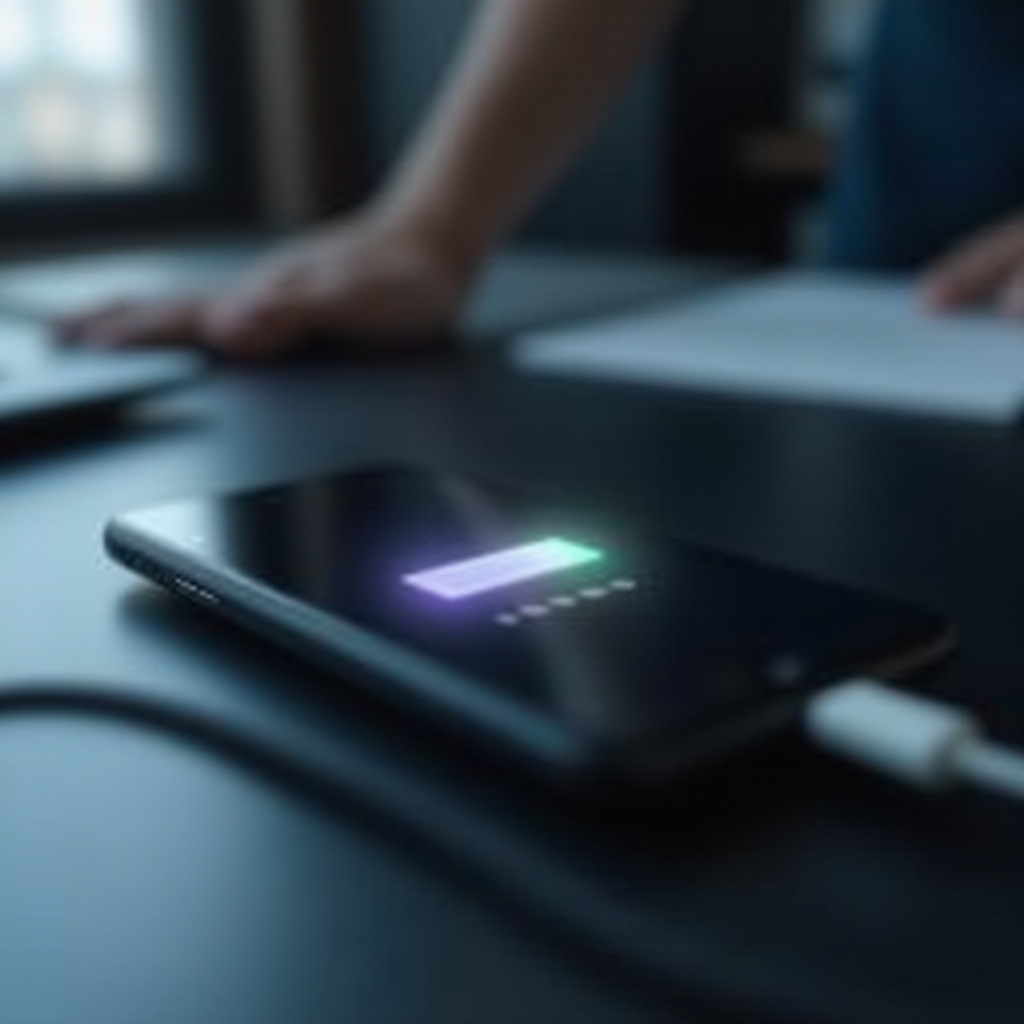
A persistent myth holds that you should let your new iPhone battery die completely before recharging it. This belief harks back to older battery technologies where complete discharge was common practice to maintain battery capacity. However, with modern lithium-ion batteries, this is no longer necessary.
Experts and battery engineers across the tech community emphasize that regularly allowing your iPhone battery to drop to 0% does not benefit—and can actually harm—battery health. Occasional full discharges can help recalibrate battery health metrics, but frequent deep discharges should be avoided.
Manufacturer Guidelines for Battery Charging
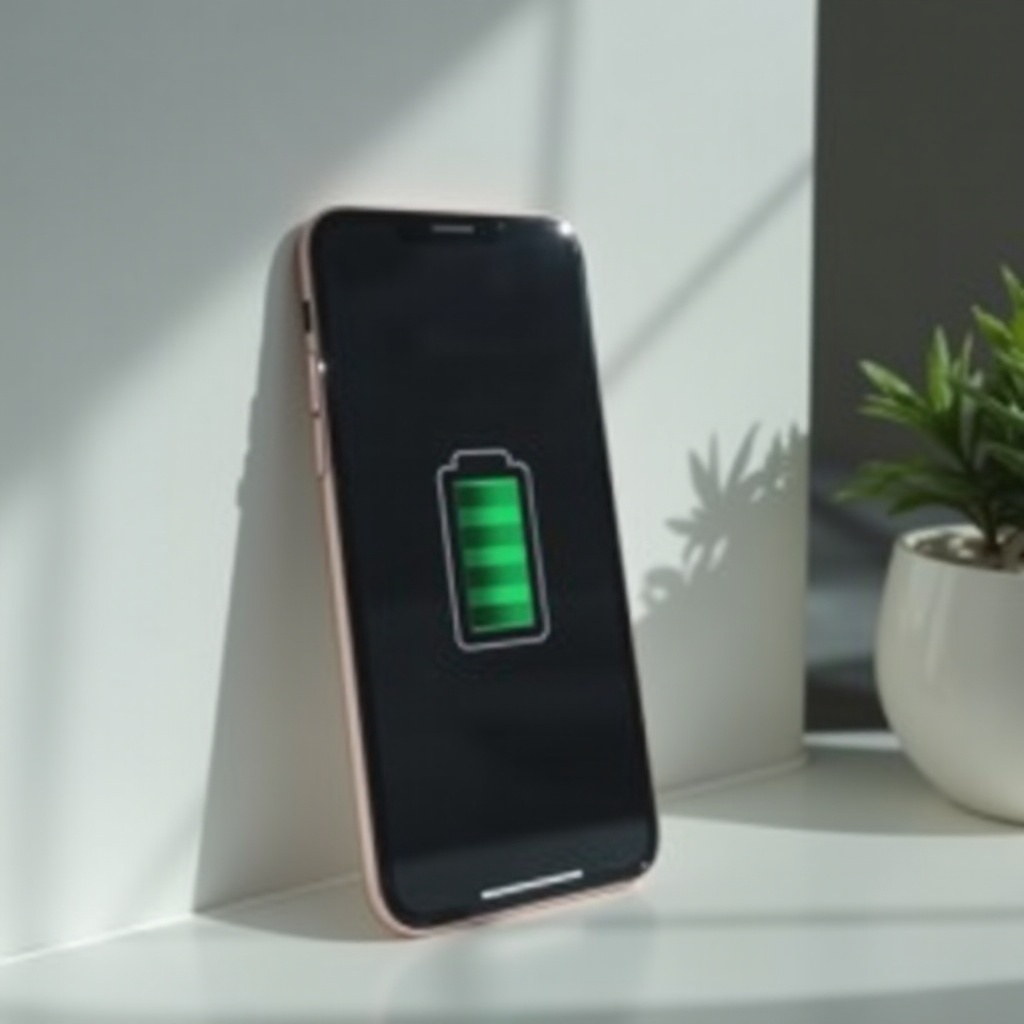
To best care for your iPhone battery, it’s important to follow the manufacturer’s guidance. According to Apple’s official recommendations, there’s no need to let your new iPhone’s battery discharge completely. They suggest keeping your battery charged between 20% and 80% to preserve its lifespan and prevent undue stress.
These guidelines are backed by countless user experiences. Many iPhone owners find that adhering to these advice lends consistent performance even after prolonged use. Building smart charging habits is key, and Apple’s tips are designed to help you get the most out of your device.
Best Practices for Extending iPhone Battery Life
Improving your charging habits can significantly extend the life of your iPhone’s battery. Here are some actionable tips:
- Avoid letting your iPhone battery deplete to 0%. Instead, aim to charge it when it falls to around 20%.
- Aim to disconnect your iPhone when the battery level reaches approximately 80%, as this can help maintain health over time.
- Rely on official Apple chargers and cables to ensure secure and efficient charging.
- Refrain from using your iPhone extensively while it is charging, as this can generate excess heat which is detrimental over time.
Additionally, consider using setting adjustments like low-power mode during critical times to extend battery life further. Simply lowering display brightness and disabling background app refresh can make a noticeable difference.
Tools and Apps for Battery Monitoring
Keeping tabs on your iPhone battery’s health is easier thanks to inbuilt tools and external applications. Within the iOS settings, you can access battery health metrics that provide insights into your battery’s maximum capacity and performance capabilities. A healthy battery should maintain over 80% capacity within the first year of use.
Moreover, several useful apps, like Battery Life or Coconut Battery, can provide detailed analytics and help you maintain optimal battery conditions. These apps allow you to track charging cycles and receive advice on sustaining best practices.
Conclusion
Understanding whether to let your iPhone battery die before recharging can significantly impact the health and longevity of the device. By recognizing the advantages of modern battery technology and following Apple’s guidelines, you can support a healthier battery lifespan. The key lies in applying constant, considered charging habits for long-term iPhone performance.
Frequently Asked Questions
Do I need to charge my new iPhone 12 hours before using it?
No, modern iPhones do not require an extended initial charge. Lithium-ion batteries are ready for use immediately.
Can letting my phone completely discharge harm the battery?
Yes, letting your iPhone battery drop to 0% frequently can strain it. It’s best to recharge before it reaches low levels.
How can I check my iPhone’s battery health?
You can check battery health via Settings under Battery > Battery Health, which provides details on current capacity and performance metrics.