How to Resolve Yellow Stains on Computer Screens
Introduction
Yellow stains on your computer screen can disrupt your digital experience, making it difficult to view content clearly. These stains often have underlying causes that need to be identified and addressed for optimal screen performance. In this article, we’ll explore what causes yellow stains, how to diagnose the issue, and the most effective solutions for restoring your screen’s clarity.
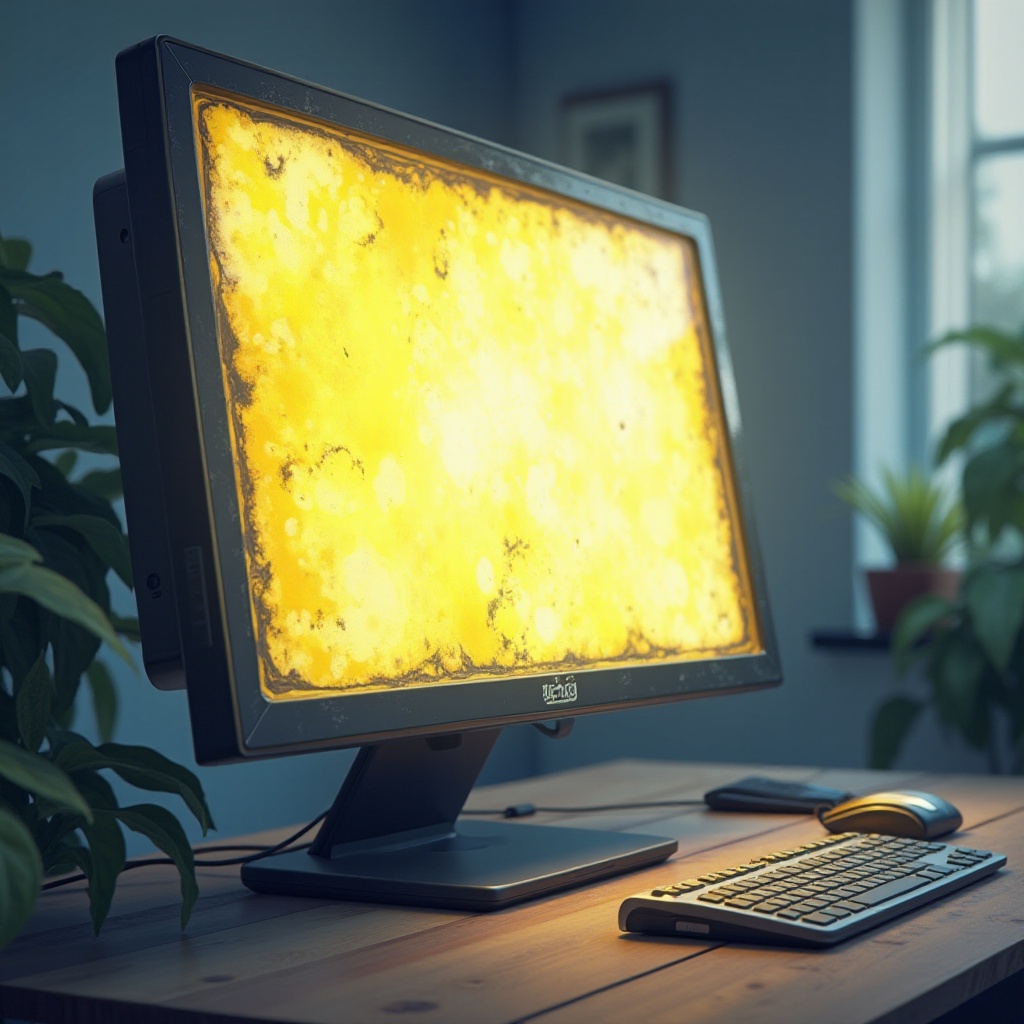
Understanding Yellow Stains on Computer Screens
Yellow stains manifest as discolorations that aren’t part of the intended display. They can affect color accuracy and overall screen performance, which is especially problematic for tasks requiring precise color representation, like graphic design or photo editing.
What Are Yellow Stains on Screens?
Simply put, yellow stains are areas where the screen’s colors are distorted, presenting a yellowish hue. This can degrade the viewing experience, making it challenging to accurately interpret visuals.
How Do Yellow Stains Affect Screen Performance?
These stains reduce screen quality by affecting color fidelity, contrast, and brightness levels. If left unresolved, they can hamper productivity, especially for users who depend on accurate color reproduction.
Understanding what constitutes yellow stains and how they impair screen functionality is crucial as we delve into the underlying causes.
Common Causes of Yellow Stains
To effectively tackle yellow stains, it’s essential to understand their origins. Several factors, ranging from hardware malfunctions to software misconfigurations and environmental conditions, can lead to this issue.
Hardware Issues
Hardware malfunctions are common culprits when it comes to persistent yellow stains.
1. Aging Components: Over time, elements such as the backlight may degrade, leading to discoloration.
2. Physical Damage: Any impact or pressure on the screen can impair its internal components, resulting in yellow patches.
Software Glitches
Software-related problems can also contribute to yellow stains.
1. Inaccurate Color Profiles: Misconfigured software can misinterpret color settings, leading to unwanted hues.
2. Driver Issues: Outdated or corrupted drivers can cause poor communication between your computer’s graphics card and the display, resulting in visual distortions.
Environmental Factors
External factors often play a role in altering how colors are perceived on the screen.
1. Heat Exposure: Prolonged exposure to high temperatures can damage screen materials, causing yellowish discoloration.
2. Ambient Lighting: Lighting conditions can amplify perceived color discrepancies, exacerbating the appearance of yellow stains.
Once we understand the causes, the next step is to identify the most likely source in your specific situation.
Diagnostic Steps to Identify the Problem
Identifying the cause of yellow stains is the first step towards resolving them. Here’s how you can accurately pinpoint what might be affecting your screen:
Visual Inspection of the Screen
Start by examining your screen closely.
1. Turn off the display: This helps you notice any external stains or debris that might be contributing to color issues.
2. Inspect for damage: Check for cracks or signs of pressure that could be distorting internal components.
Using Built-in Diagnostic Tools
Most devices have built-in tools that help diagnose display issues.
1. Access the device’s diagnostic tools: Use these tools to spot inconsistencies or errors in the display output.
2. Run color calibration tests: These tests can reveal discrepancies in color settings that might cause a yellow tint.
Checking Software and Driver Updates
Ensuring all software and drivers are up to date is crucial.
1. Update your operating system: Keep your system current to maintain compatibility with hardware.
2. Ensure drivers are updated: Regular driver updates can prevent many graphical inconsistencies.
With these diagnostic steps, you can determine the cause and proceed with the right solution.

Solutions for Fixing Yellow Stains
After accurately diagnosing the cause, it’s time to explore effective solutions. These fixes range from simple adjustments to professional repairs, depending on the root issue.
Hardware Solutions: Calibrating and Repairing
If hardware is the issue, you may need to recalibrate or repair.
1. Perform screen calibration: Adjust settings using calibration tools to bring colors back to their natural state.
2. Seek professional repair: If internal damage is identified, consider professional assistance to replace or repair components.
Software Adjustments: Color Settings and Driver Updates
Software solutions often resolve non-hardware issues effectively.
1. Readjust display settings: Ensure all configurations are correct, particularly color profiles.
2. Keep software and drivers up-to-date: This helps prevent software-induced color distortions.
Preventive Measures: Regular Maintenance and Care
Prevention is always better than a cure. Regular maintenance can help you avert future discolorations.
1. Protect your screen: Use screen protectors and avoid placing the monitor in extreme environments.
2. Clean regularly: Regularly wipe your screen to avoid dust and smudges that can lead to discoloration.
3. Optimize room lighting: Ensure your screen is positioned to minimize glare and reflection.
By addressing these issues, you can maintain a vibrant, functional display.
Conclusion
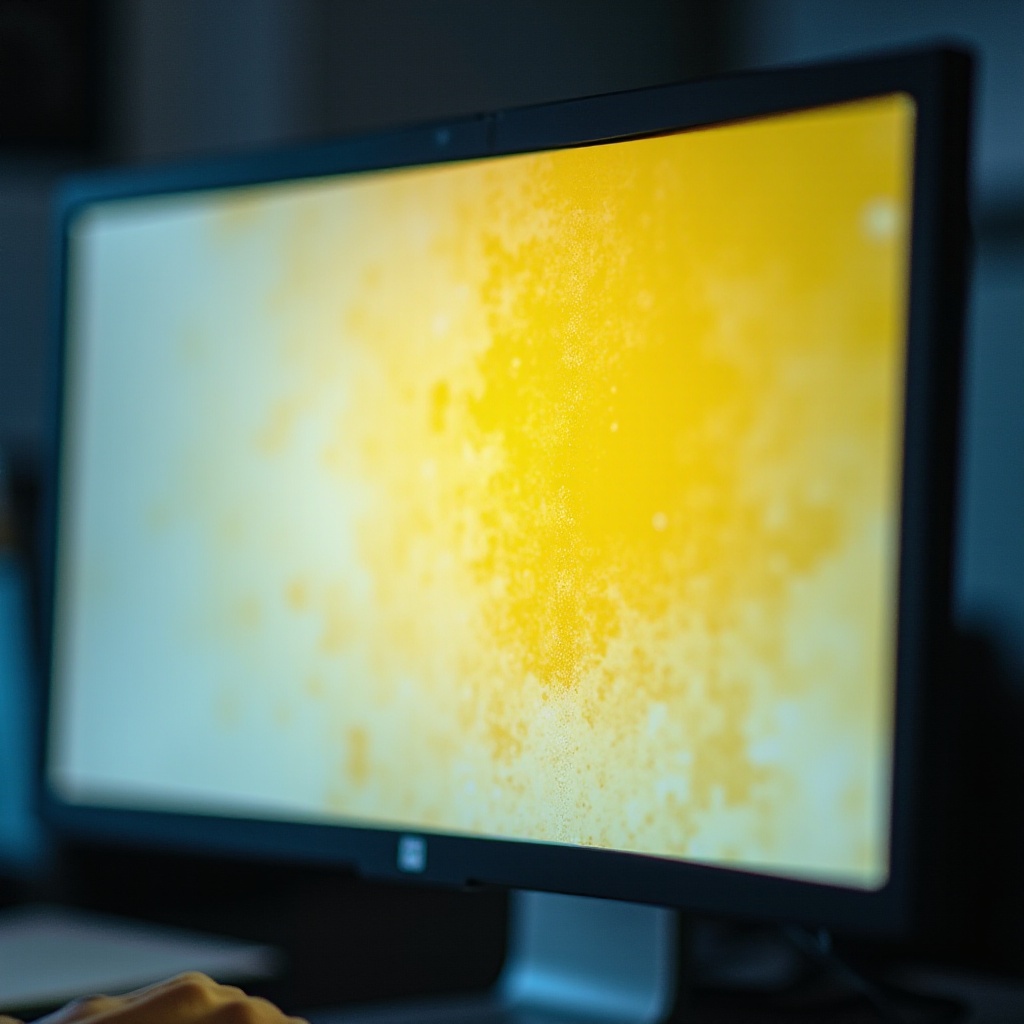
Tackling yellow stains on your computer screen involves a comprehensive approach, from diagnosing the issue to implementing the right fix. Maintaining your screen with regular maintenance checks and quick resolution of any new problems are essential for preserving the visual clarity and performance of your display.
Frequently Asked Questions
Can yellow stains permanently damage my screen?
Yes, if related to hardware issues, they can cause lasting damage without proper intervention.
Are yellow stains a sign that I should replace my monitor?
Not necessarily. Diagnose the issue first and explore repair options before considering replacement.
How often should I perform screen maintenance to prevent yellow stains?
Conduct monthly cleanings and system updates to ensure optimal performance.