Can You Play DS Games on the 2DS? A Comprehensive Guide
Introduction
The Nintendo 2DS delivers an appealing mix of nostalgia and modern gaming, drawing in both long-time fans and newcomers eager to explore classic games. A frequent inquiry is whether it’s possible to enjoy Nintendo DS games on a 2DS console. Understanding how these systems interact is crucial for anyone dusting off old favorites or considering a 2DS for their next handheld gaming purchase. This article will break down the compatibility, advantages, and solutions to common issues when playing DS games on the 2DS, helping you make the most of this gaming experience.
The Nintendo 2DS Overview
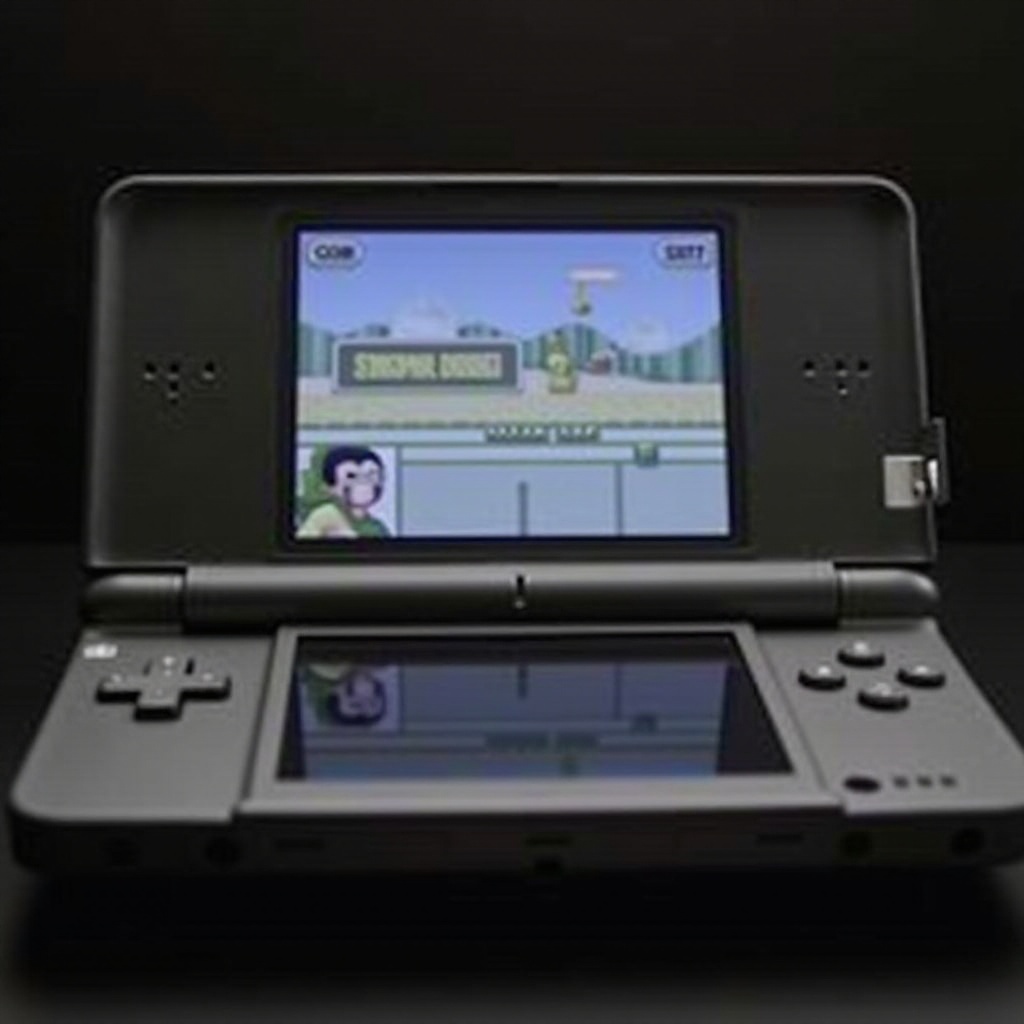
As a budget-friendly member of the Nintendo family, the 2DS provides excellent value by retaining core functionalities that accommodate the vast Nintendo DS game catalog. This device sports the classic dual-screen layout of its predecessors, capturing the essence of the DS series while targeting younger audiences with its sturdy, non-foldable design. Unlike the 3DS, the 2DS does not support 3D graphics, yet it stands strong by offering extensive capabilities and reliability for DS gameplay enthusiasts. Assessing the 2DS’s hardware and software put players at the forefront of gaming possibilities.
Compatibility of DS Games on the 2DS
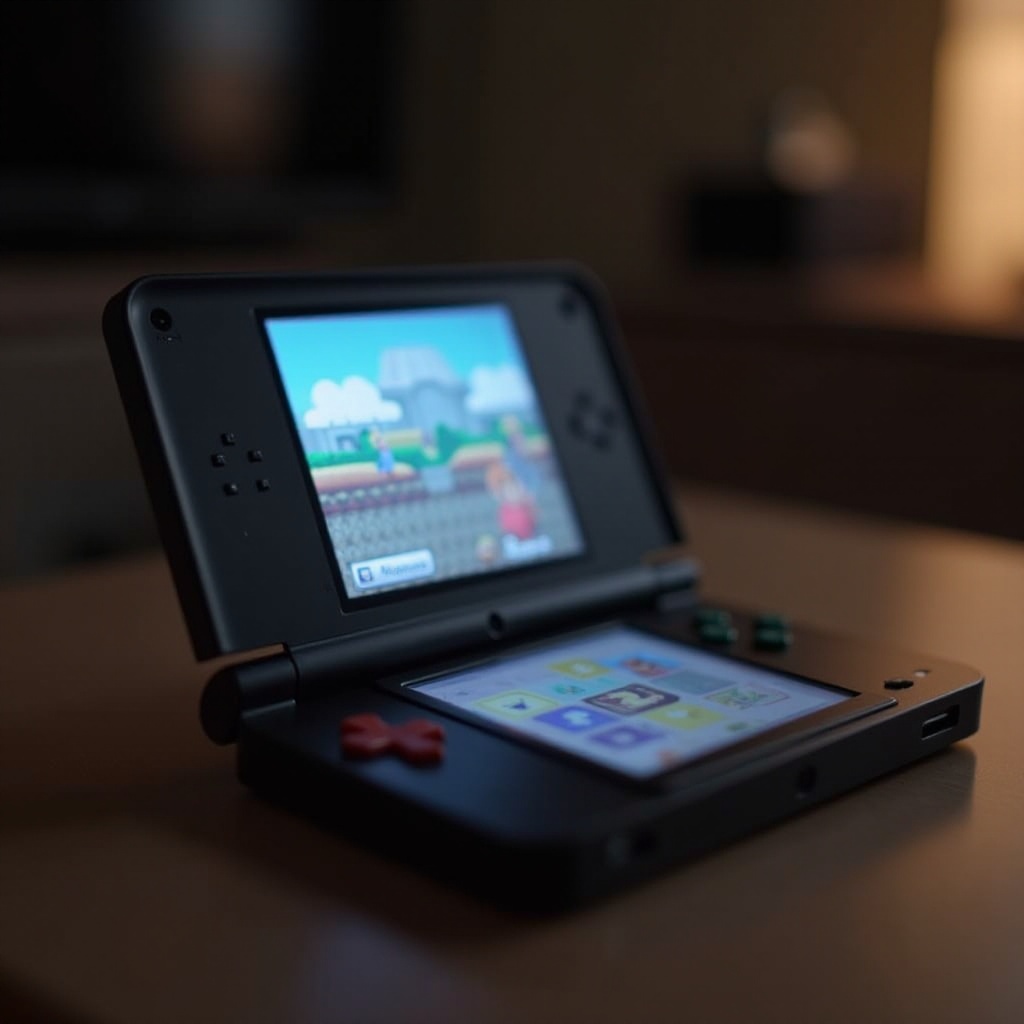
One of the greatest strengths of the 2DS is its backward compatibility, allowing players to access most DS games effortlessly. Here’s a detailed look at what you need to know:
– Backward Compatibility: DS games are largely compatible with the 2DS, letting you dive into your collection without compatibility concerns. Simply insert a DS cartridge to begin.
– Region Lock: While DS games are typically region-free, players should remain cautious of certain titles with specific region restrictions that might impact gameplay.
– Supported Features: Essential DS features like touch controls and wireless connectivity are fully supported by the 2DS, ensuring a faithful reproduction of classic experiences.
This compatibility means that transitioning to a 2DS from a DS system is smooth and enhances the enjoyment of the extensive game library available.
How to Play DS Games on the 2DS
Playing DS games on the 2DS is straightforward with these simple steps:
1. Insert the Game Cartridge: Properly place the DS cartridge into the slot at the back of the 2DS, ensuring the label faces outward.
2. Power On the Device: Turn on your 2DS by pressing the power button and allowing the home menu to appear.
3. Select Your Game: Navigate using the stylus to the game icon on the menu, then tap to start your nostalgic adventure.
For a consistent playing experience, keep your device fully charged or connected to power. This ensures that your DS gaming sessions remain uninterrupted, pairing the hands-on experience of the DS system with the robust functionality of the 2DS.
Benefits of Playing DS Games on the 2DS
Choosing the 2DS offers various advantages for fans and newcomers exploring DS games:
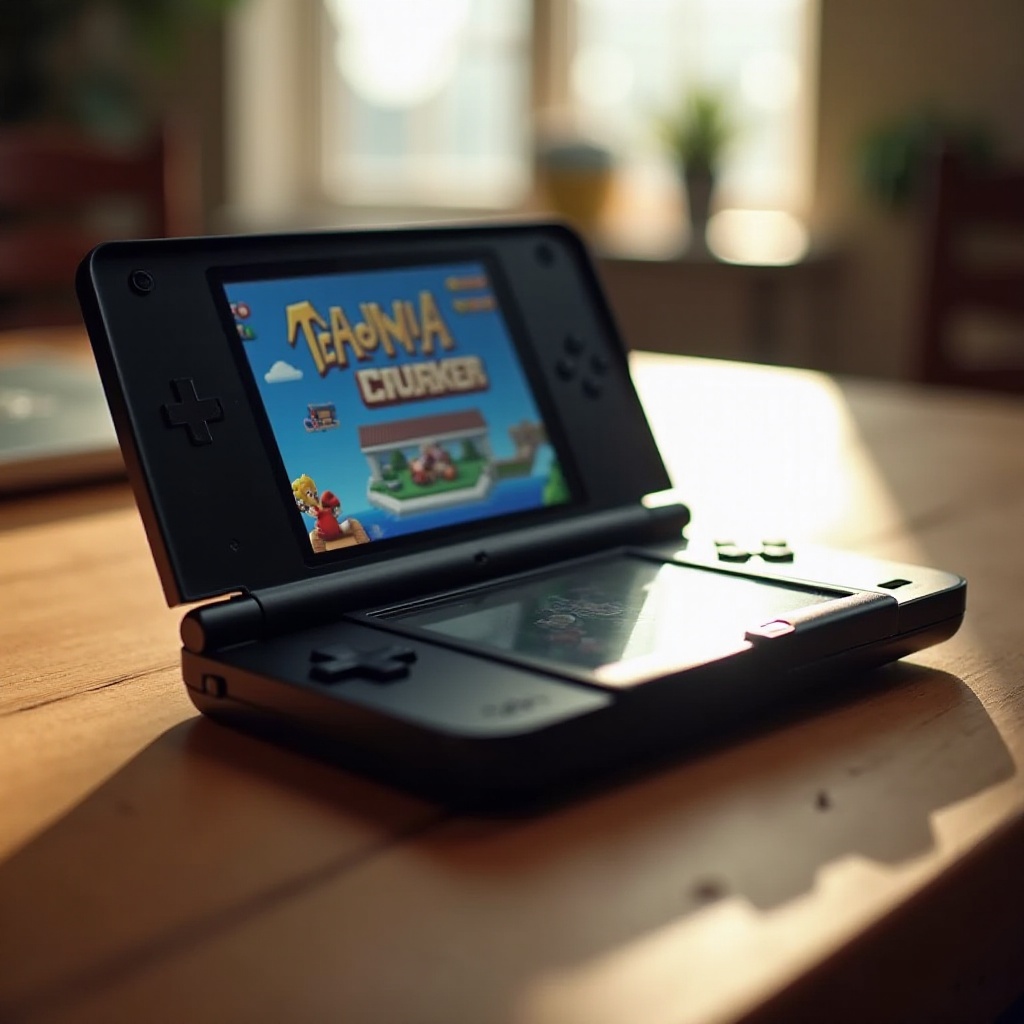
– Cost-Effectiveness: This model often has a lower price point compared to its counterparts, appealing to budget-conscious gamers wanting to access a rich library without overspending.
– Durable Build: Known for its resilient, straightforward design, the 2DS supports all your gameplay activities, even in the hands of young and active players.
– Game Accessibility: The 2DS provides easy access to an expansive DS game collection without needing extra hardware, welcoming exploration and discovery.
These merits make the 2DS a smart choice for players seeking durable, affordable, and versatile gaming possibilities with DS titles.
Common Issues and Solutions
Despite its ease of use, players may encounter hiccups. Here’s how to address them:
– Unreadable Cartridge Errors: If a game doesn’t load, remove and reinstall the cartridge, ensuring it’s clean and free of dust or debris.
– Device Freezing: Hold the power button to perform a quick restart, addressing any system lags.
– Connectivity Troubles: For multiplayer games, verify that the wireless setting is turned on and functioning in the device menu.
By following these troubleshooting tips, gamers can maintain smooth, enjoyable experiences when playing DS games on the 2DS, emphasizing its reliable and user-friendly nature.
Maximizing Your Gaming Experience
To fully enjoy your 2DS with DS games, consider these enhancement tips:
Recommended Accessories
- Carrying Cases: Protect your 2DS and games against damage while traveling or in transit.
- Screen Protectors: Safeguard your screens from stylus use and accidental scratches, preserving their longevity.
Tips for Optimal Gameplay
- Regular System Updates: Frequently check for firmware updates to ensure all features and compatibility are optimized.
- Efficient Storage Management: Organize and manage game data efficiently to prevent any lagging or memory issues, utilizing SD card support wisely.
With these additions, your 2DS can deliver an even more robust and immersive gameplay experience, drawing players further into the expansive world of DS titles.
Conclusion
The Nintendo 2DS remains a reliable and economical choice for gaming, welcoming new and returning fans to the cherished universe of DS games. It’s built to entertain with a combination of classic charm and modern gameplay, proudly accommodating a wide range of games. Supported by this guide, navigating your way through the 2DS and its DS game compatibility is made easy, allowing for enriched and hassle-free game sessions.
Frequently Asked Questions
Are all DS games compatible with the 2DS?
Most DS games work on the 2DS, but occasionally some titles may have region-specific restrictions.
How do I troubleshoot gameplay issues on the 2DS?
Try restarting the system or cleaning the game cartridge to resolve common issues like freezing or unreadable games.
Is the 2DS still a good option for gaming in 2024?
Yes, it offers affordable access to a broad library of DS games with sturdy and user-friendly hardware.