How to Resync a Wii Remote: A Comprehensive Guide
Introduction
Troubles with your Wii remote can be frustrating for any gamer. When your remote loses sync, the fun stops, but don’t worry. This guide will show you how to resync your Wii remote and get back to gaming in no time. By understanding why these issues occur and knowing the steps to resolve them, you’ll be equipped to handle syncing problems confidently.
Understanding the Basics of Wii Remote Syncing
Before delving into the resyncing steps, it’s helpful to know why your Wii remote might unsync. A wireless connection between your remote and Wii console is managed via Bluetooth, and disruptions can happen for several reasons.
-
How Wii Remote Connections Work: The Wii console and remote communicate using Bluetooth technology. When you press the sync button on both devices, they exchange a security key, ensuring a stable connection.
-
Common Causes of Sync Issues: Unsyncing can result from dying batteries, interference from other wireless devices, or accidental button presses. Knowing these causes helps prevent future disconnects.
Understanding these basics sets the foundation for effective troubleshooting, paving the way to the next step of resyncing.
Step-by-Step Guide to Resyncing Your Wii Remote
Armed with an understanding of syncing technology, let’s move on to resolving sync issues. Here are the steps to resync your remote when problems arise:
-
Preparation: Gathering Necessary Equipment: Start by ensuring you have fresh batteries. An improperly powered remote won’t sync, so this is crucial. Also, have a clean cloth handy to wipe away dust from battery contacts.
-
Detailed Resyncing Instructions:
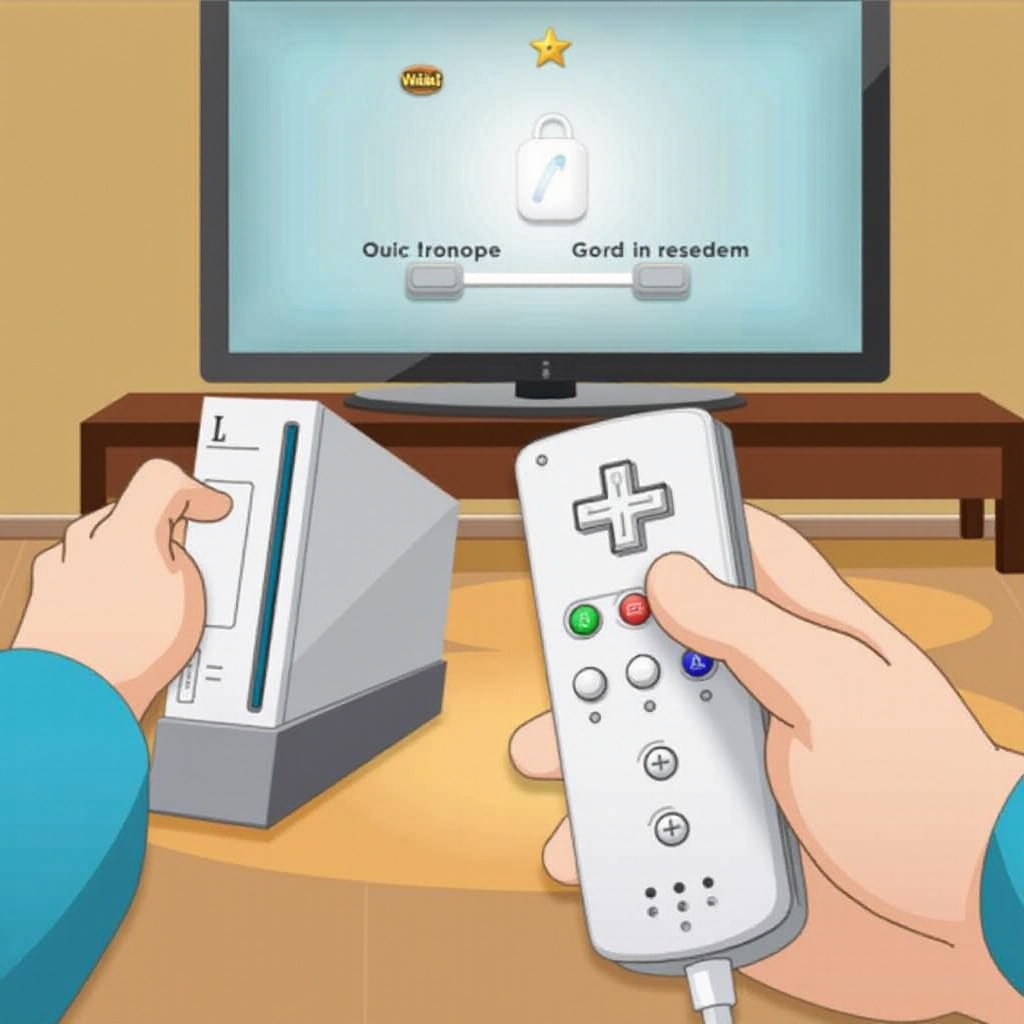
- Power on your Wii console and remove the battery cover from your remote.
- Locate the small red sync button inside the remote’s battery compartment.
- Open the SD card slot on your Wii console to reveal its sync button.
- Press the sync button on the console, then quickly press the sync button on your remote.
- The remote’s lights will blink, and once they stop, your remote is synced.
If your remote reconnects, you’re ready to return to your game. However, if it doesn’t, additional troubleshooting may be necessary.
Troubleshooting Common Syncing Problems
Occasionally, a simple resync isn’t enough to resolve the issue. If problems persist, some troubleshooting may be required. Let’s explore common problems and their solutions.
-
Battery and Power Source Issues: Always start by inserting a fresh set of batteries. Weak or misaligned batteries can break the connection between remote and console.
-
Addressing Wireless Interference: Devices emitting wireless signals—like routers, cell phones, or microwaves—can interfere with your remote. Move your console away from these devices and try syncing again.
Correcting these issues can restore a stable connection, yet some persistent problems may require advanced solutions.
Advanced Fixes for Persistent Sync Issues
When basic troubleshooting fails, more complex solutions might be called for. These advanced steps can address underlying issues preventing successful syncing.
-
Checking for Hardware Malfunctions: Inspect your remote and console for physical damage or obstructions blocking connectivity. Cleaning your devices of dust and debris can improve performance.
-
Updating Wii Console Software: If the system software is outdated, it may prevent effective syncing. Check for updates through the system menu and install the latest version to enhance stability.
Implementing these techniques can address even the most stubborn sync issues, ensuring your Wii system runs smoothly.
Long-term Maintenance Tips for Your Wii Remote and Console
Preventative care extends the life and functionality of your Wii and its components. Consistent maintenance safeguards against future connectivity issues.
-
Regular Cleaning and Maintenance Practices: Accumulated dust can affect your remote’s performance. Regularly clean the remote and check the console’s vents to ensure they aren’t obstructed.
-
Tips to Prevent Future Syncing Problems: Keep the area around your console clear of clutter. Ensure nothing blocks the line of sight between your remote and console for uninterrupted play.
Practicing these maintenance tips should help avoid frequent syncing problems, preserving your gaming experience.
Conclusion
By following this comprehensive guide, you can effectively manage and resolve Wii remote sync issues. Regular checks, fresh batteries, and system updates are the key to preventing problems. With these strategies, your gaming can continue smoothly and without interruption.
Frequently Asked Questions
Why won’t my Wii remote sync with the console?
The remote might lose sync due to depleted batteries, interference from other devices, or accidental pressing of the sync button.
How do I know if my Wii remote is synced properly?
When the remote is synced, it will stop blinking and a single LED will remain lit, indicating a secure connection with the console.
Can wireless interference affect my Wii remote connectivity?
Yes, other wireless devices such as routers and bluetooth devices can interfere with the Wii remote’s signal, causing disruptions.