How to Fix an Xbox 360 Door That Won’t Open
Introduction
Struggling with an Xbox 360 disc tray that refuses to open? You’re not alone. This common issue can put a damper on your gaming session. The good news is that with a few simple steps, you can often rectify the problem and keep your console running smoothly. This guide will walk you through several fixes, as well as preventive maintenance tips to keep your Xbox 360 in top condition.

Understanding Xbox 360 Disc Tray Problems
Gamers frequently find themselves facing a stubborn disc tray. Knowing what might be causing this problem is crucial before diving into solutions.
Common Symptoms of a Stuck Disc Tray:
If you press the eject button but nothing happens or hear mechanical sounds without movement, these are typical symptoms of a stuck tray.
Causes of Xbox 360 Disc Tray Malfunctions:
Dust buildup and hardware malfunction are common culprits. Occasionally, issues with the power supply can also lead to malfunctioning tray mechanisms.
Having understood the causes, it’s easier to explore straightforward troubleshooting methods that can fix these problems.
Basic Troubleshooting Steps
Simple methods often resolve Xbox 360 disc tray issues without needing extensive repairs.
- Power Cycling Your Console:
- First, turn off your Xbox 360 completely.
- Unplug the power cord from the outlet and leave it unplugged for at least five minutes.
-
Reconnect it and turn the console back on. This reset can resolve minor glitches.
-
Manually Ejecting the Disc Tray:
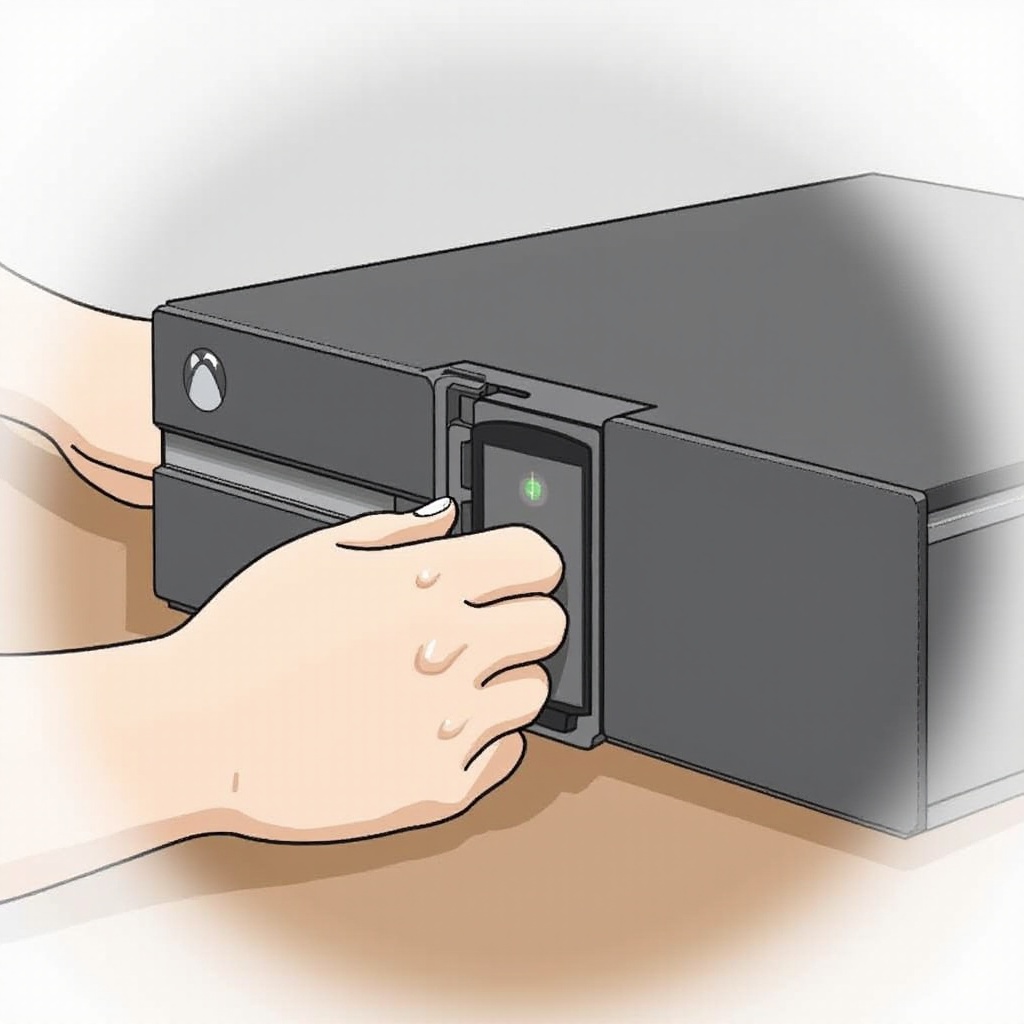
- Locate the small pinhole next to the disc tray.
-
Insert a straightened paperclip into the hole cautiously to manually release the tray.
-
Checking the Power Supply:
- Inspect your power brick to ensure it’s working properly.
- If possible, test with another power supply to rule out power issues.
If these steps do not solve the problem, you might need to consider further action.
Advanced Fixes for a Stubborn Disc Tray
When basic fixes fall short, advanced solutions might be necessary to get your Xbox 360 back in action.
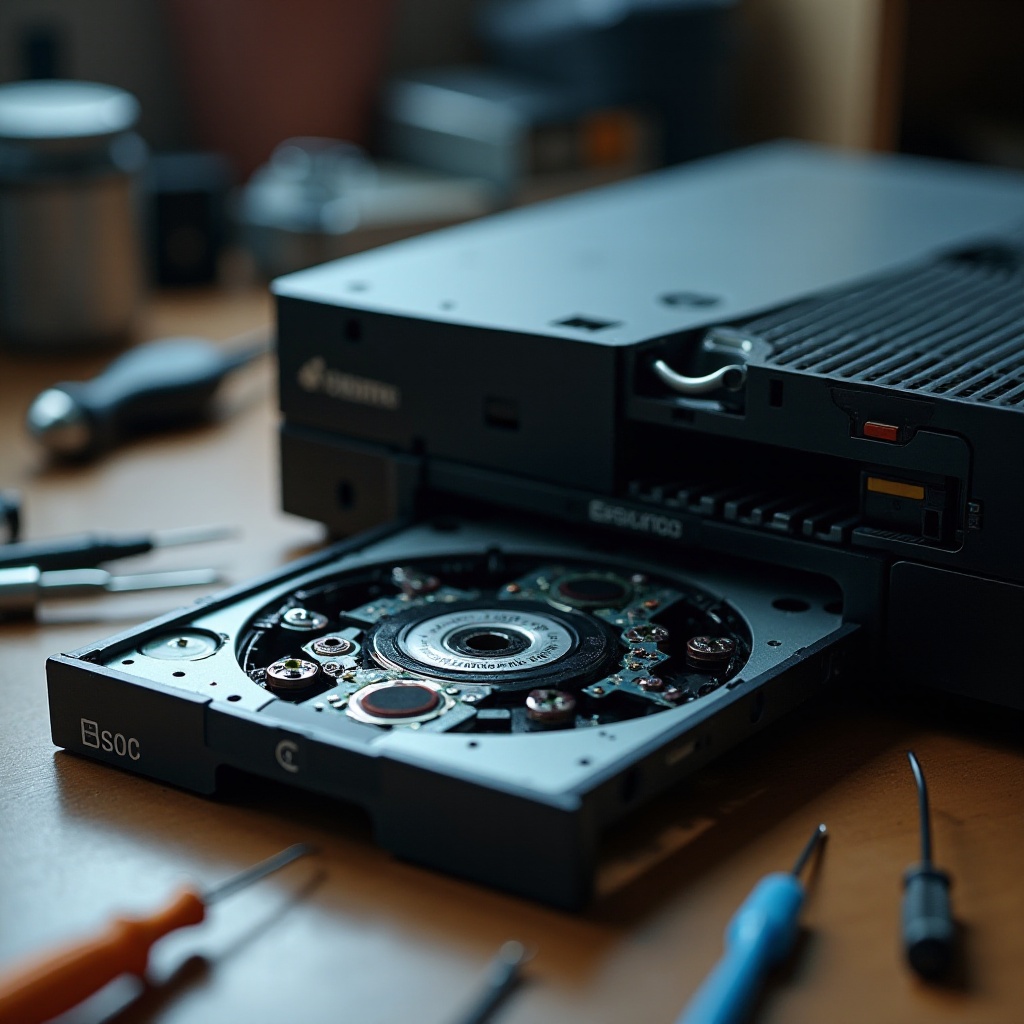
- Opening the Console Safely:
- Always unplug the console before opening it to prevent injury or further damage.
-
Use appropriate tools to open the device delicately. Access online resources for detailed visual guides.
-
Cleaning and Lubricating the Mechanism:
- Clear any dust from the internal components using compressed air gently.
-
Apply a light lubricant to the gears of the disc tray for smoother operation.
-
Securing Loose Internal Components:
- Check for any parts inside that might be loose.
- Ensure all components are securely placed before closing the console.
Carrying out these steps carefully can resolve persistent disc tray issues and prevent further damage.
Preventive Measures for Xbox 360 Maintenance
Preventive care is key to keeping your Xbox 360 functioning optimally over time.
Regular Cleaning of Disc Drives:
Use a soft brush and compressed air monthly to remove dust, ensuring the tray operates smoothly.
Proper Storage of Game Discs:
Always store your discs in their cases to prevent scratches and other potential damage.
Avoiding Overheating Issues:
Keep your console in a well-ventilated area away from other electronic devices to prevent overheating.
These maintenance tips help ensure the longevity of your console and prevent recurring issues.
When to Seek Professional Repair Assistance
Sometimes, despite your best efforts, the Xbox 360 requires professional care.
Signs that Professional Help is Required:
Persistent issues, strange noises, or system errors are indicators that you may need expert repair services.
Cost and Benefits of Professional Repairs:
Professional repairs can be cost-effective in the long run, extending the life of your console and addressing issues with precision.
Conclusion
A stubborn Xbox 360 disc tray can be frustrating but following these steps can help resolve the issue effectively. From basic troubleshooting to professional repair advice, this guide aims to keep your gaming experience smooth and enjoyable. Regular maintenance will also protect your console from future problems.
Frequently Asked Questions
What should I do if the Xbox 360 disc tray still won’t open after troubleshooting?
If your own attempts don’t resolve the issue, it’s advisable to seek professional repair services.
How often should I clean my Xbox 360 to prevent disc tray issues?
To minimize dust buildup and prevent tray issues, clean your Xbox 360 system once a month.
Can software updates affect the Xbox 360 disc tray functionality?
Generally, software updates won’t directly affect the disc tray, but keeping your system updated can prevent other software-related issues.